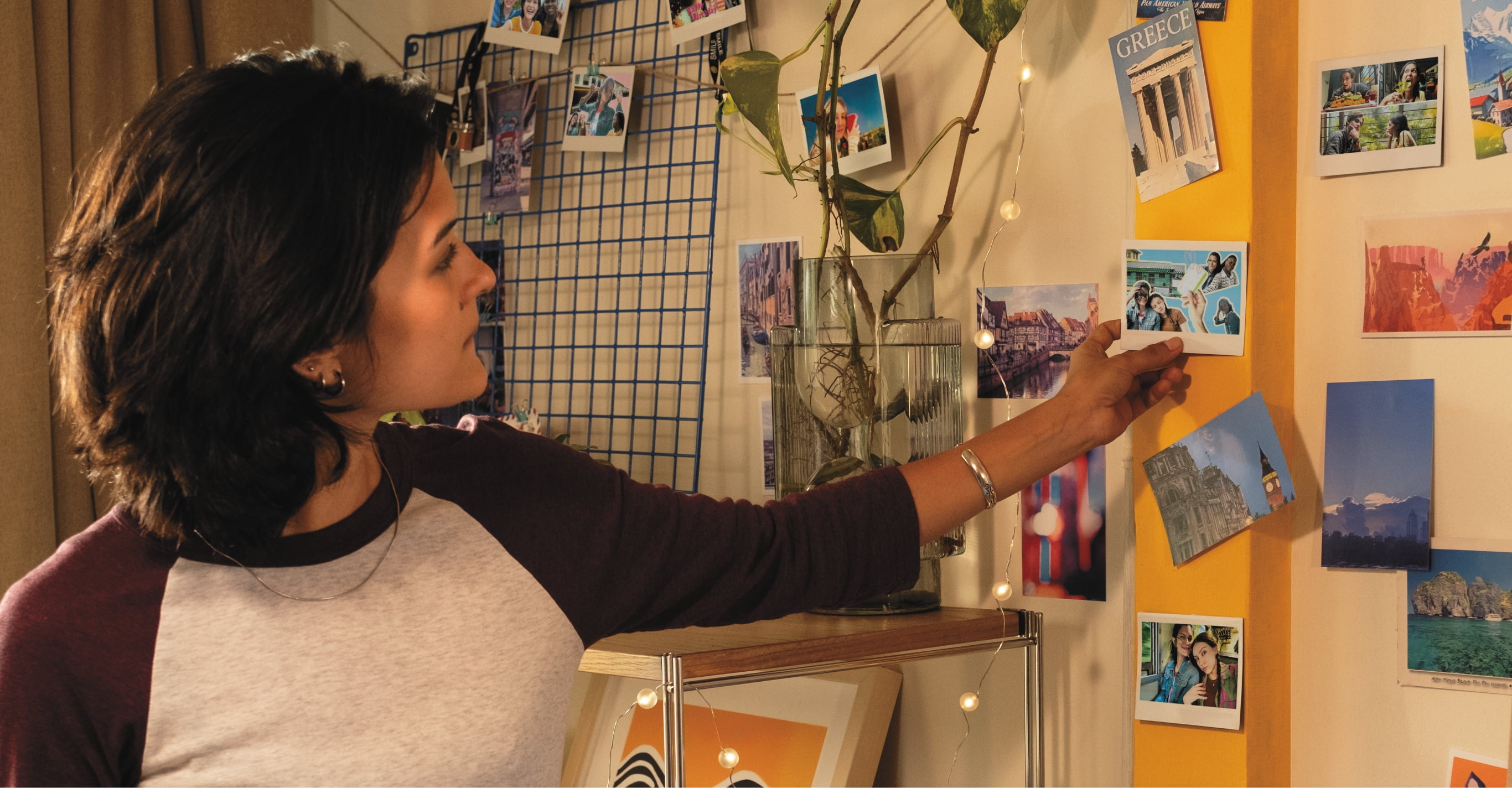
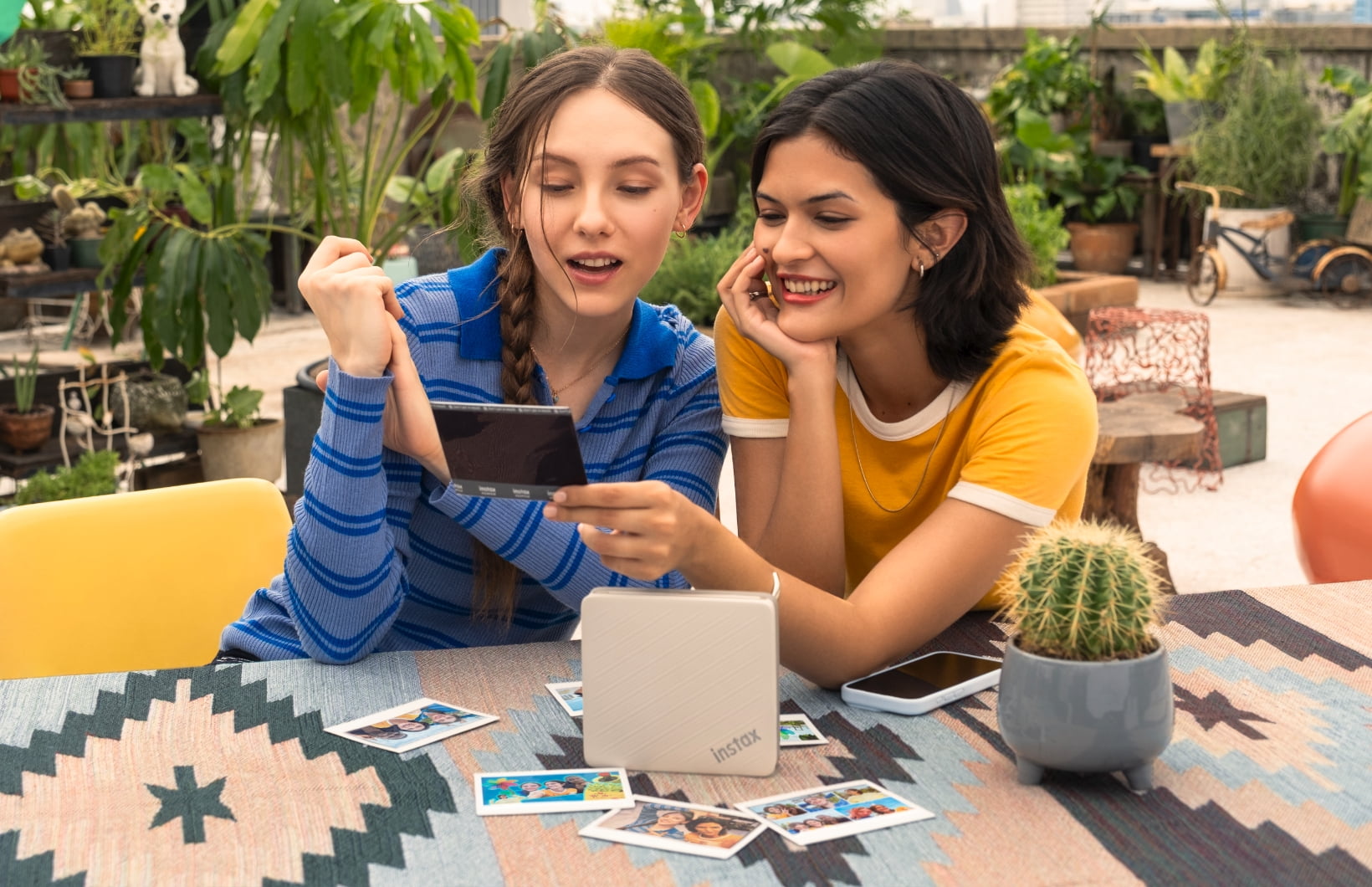
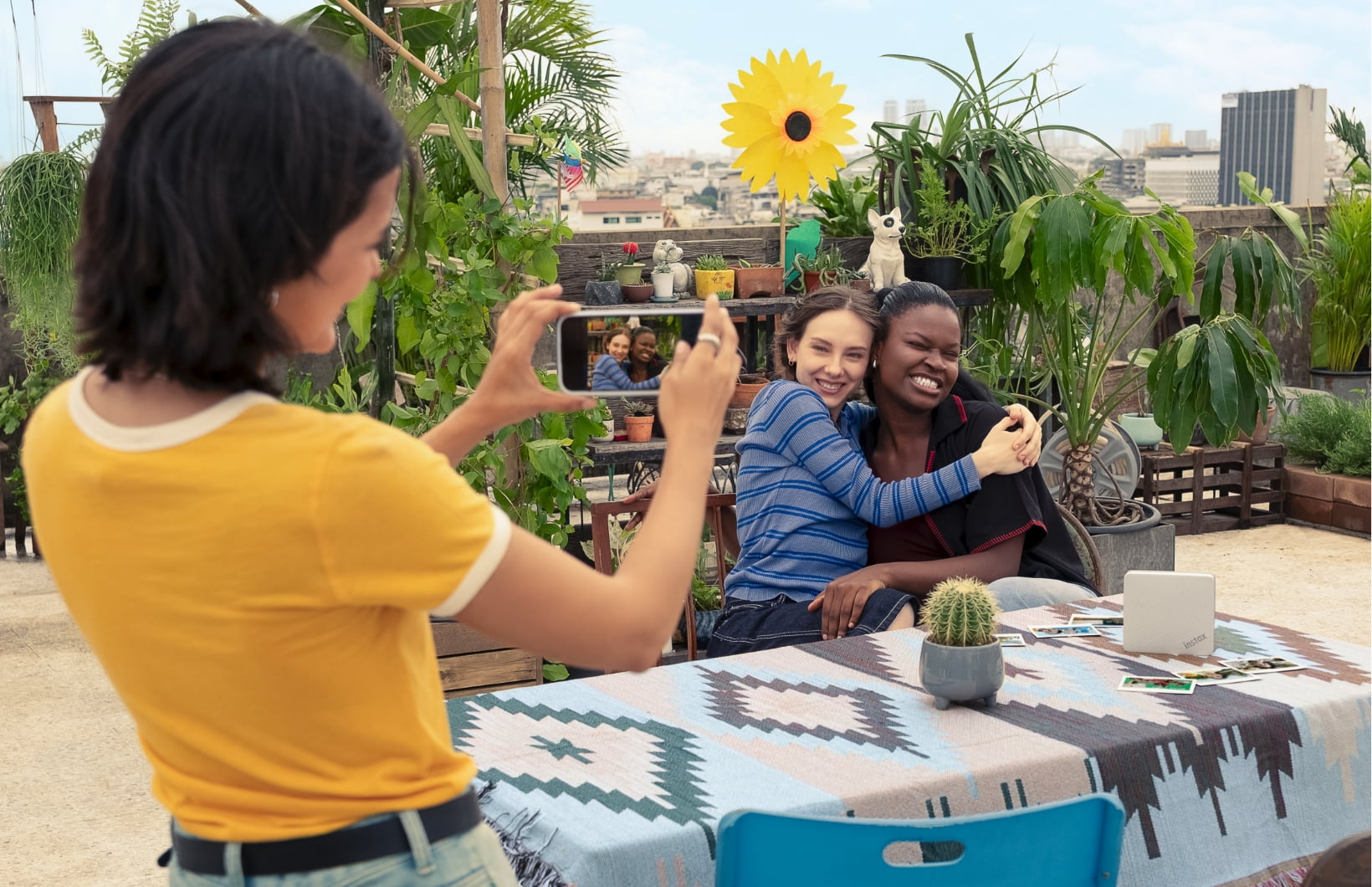
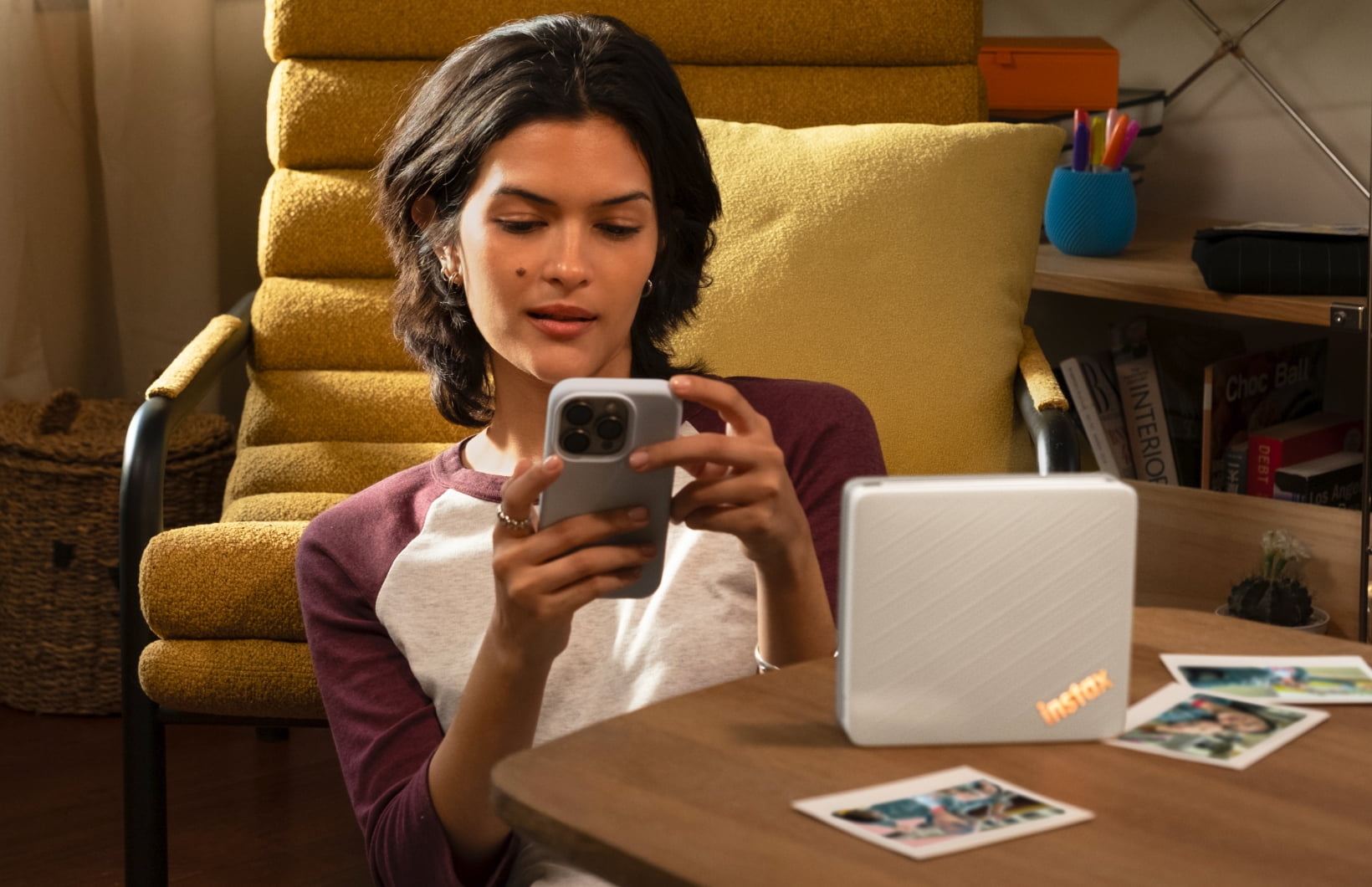
PRINT YOUR SMARTPHONE IMAGESPrint your smartphone images in seconds.
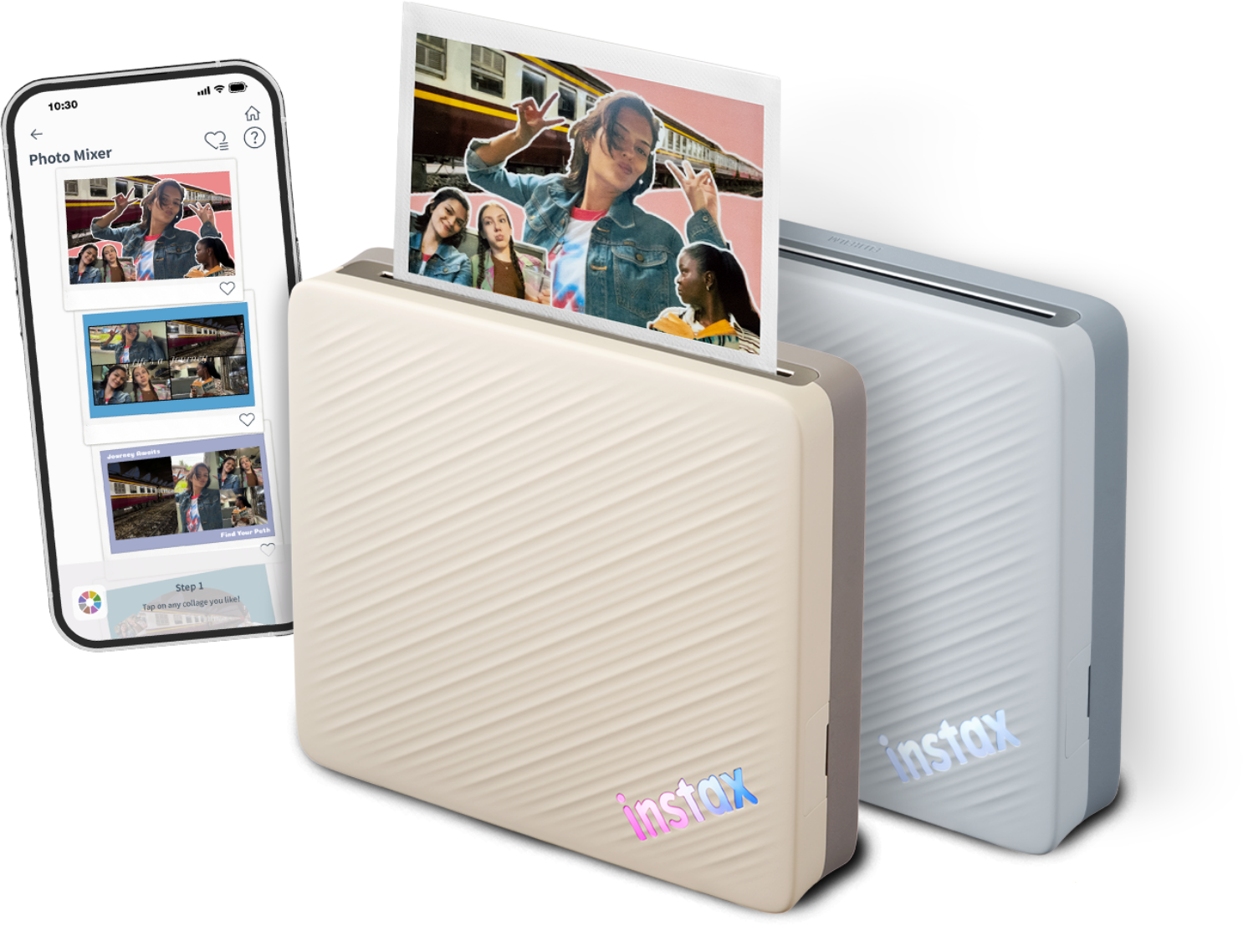
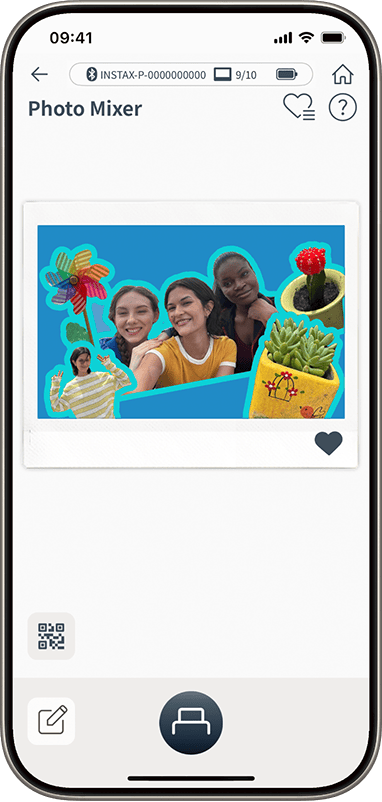
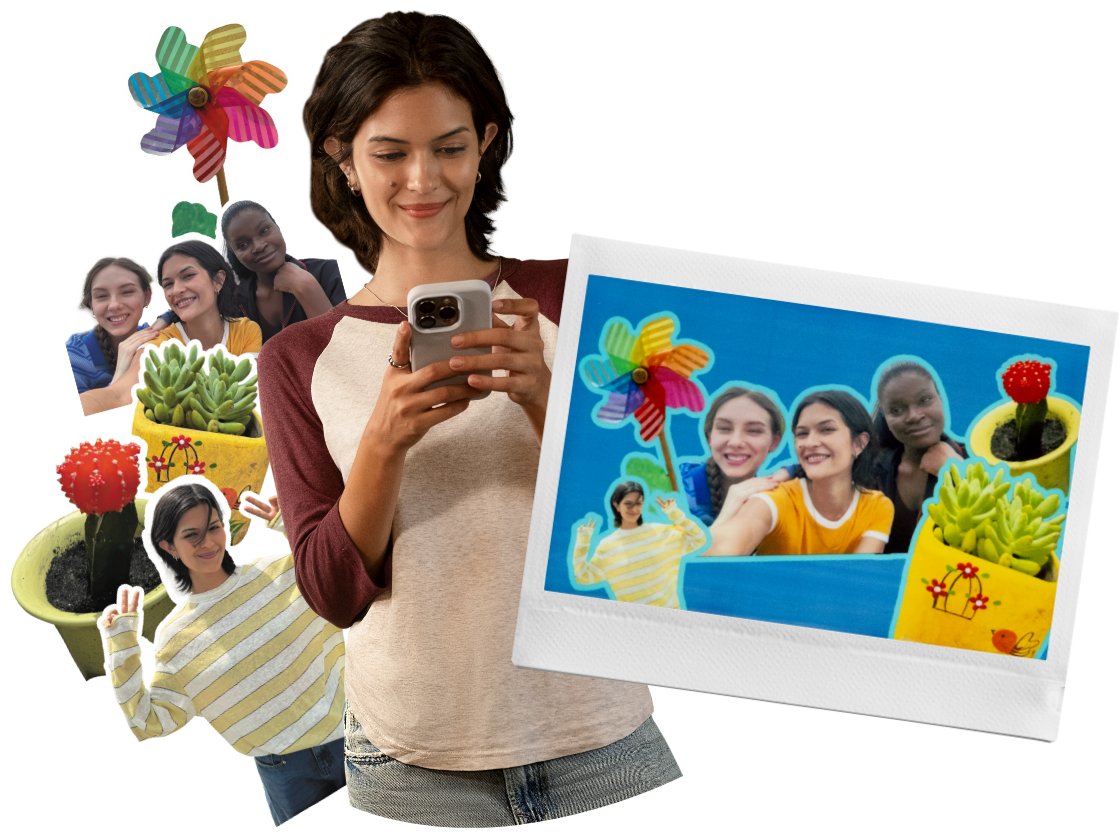
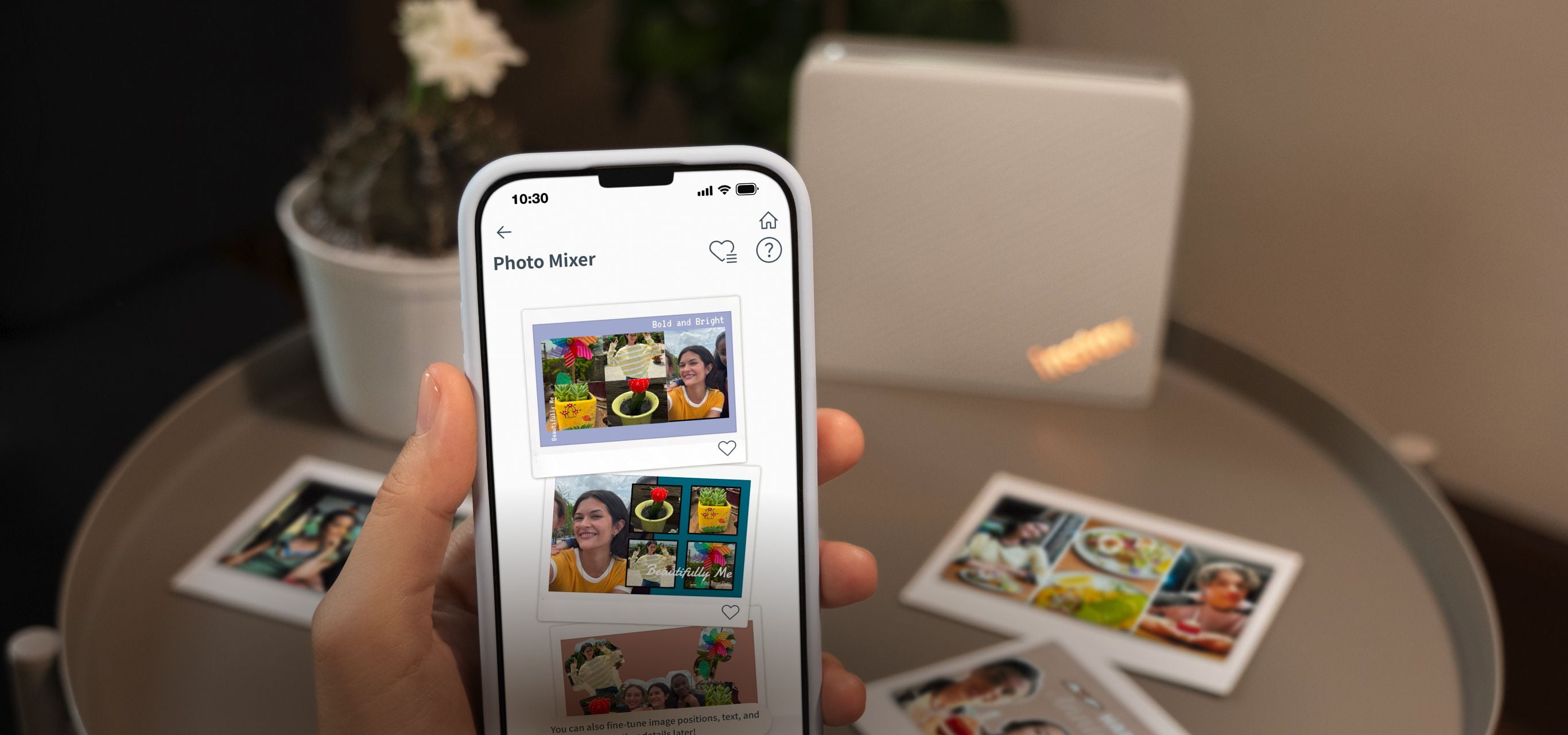
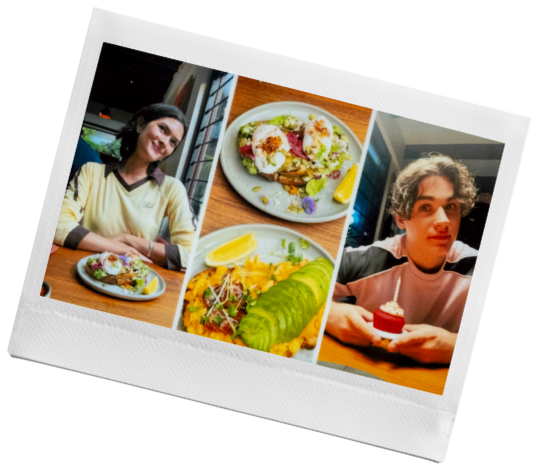
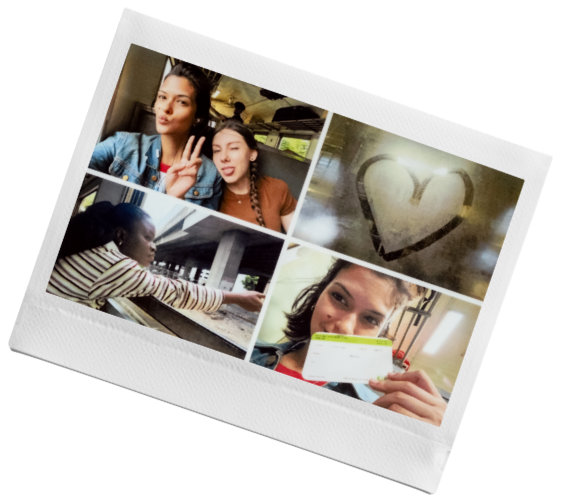
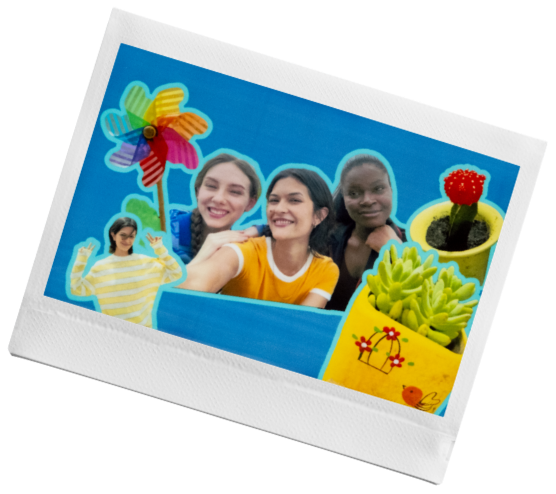
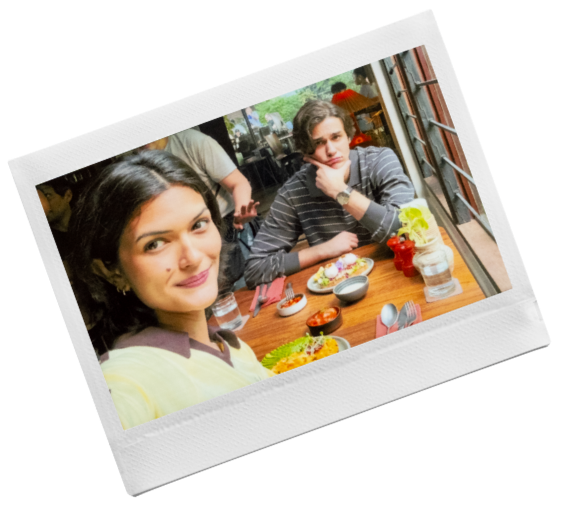
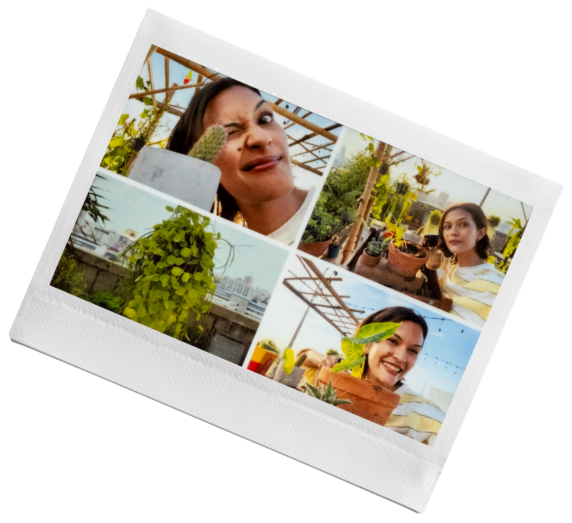
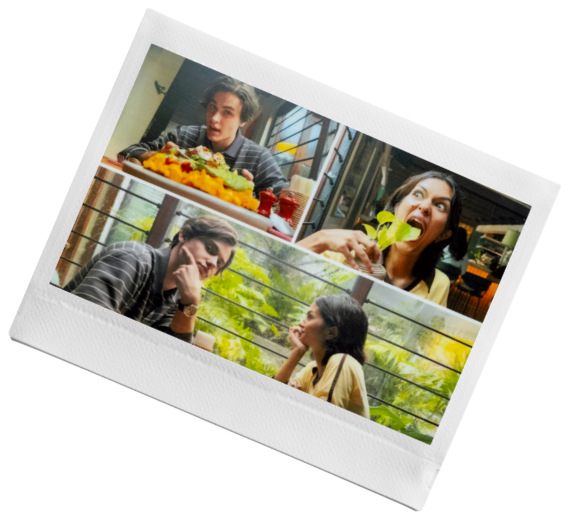
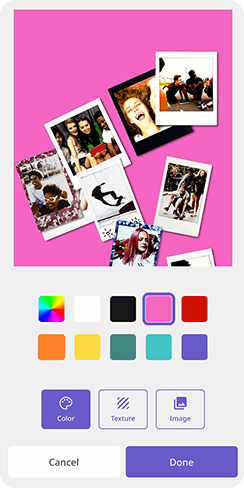
MIX YOUR MEMORIESUse the Photo Mixer™ to automatically crop and combine your favorite photos into one unique print in the instax Link WIDE™ app.
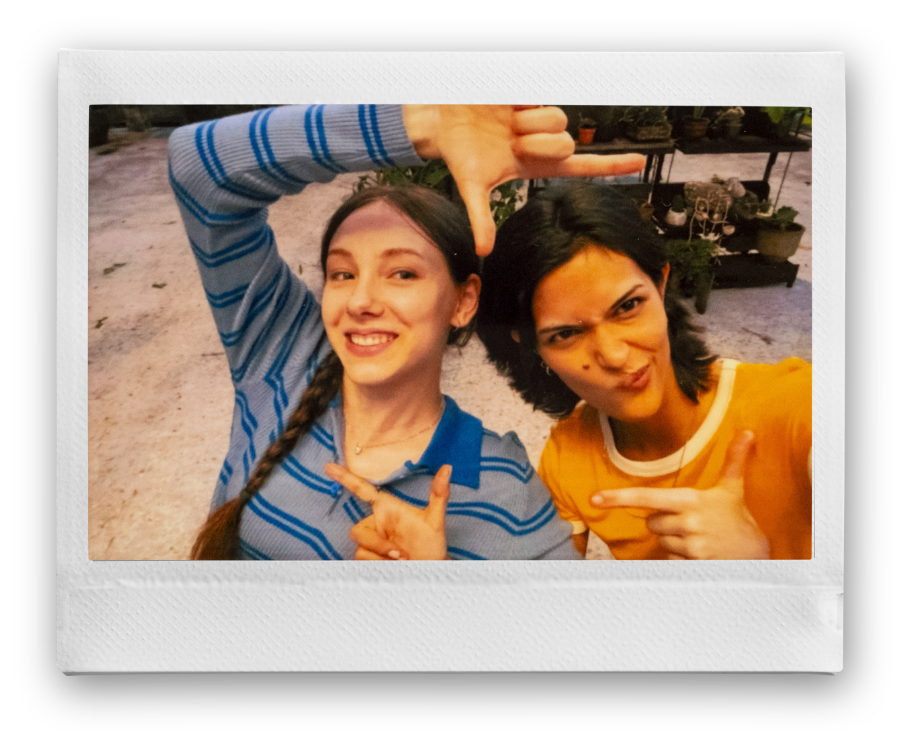
WIDE FORMAT PHOTOSMake the most of the moment by fitting more of it in one print.
instax Link WIDE ™ App
Compatible devicesTo use Photo Mixer™, you need iOS 17 or later or Android 12 or later. *Some devices may not work even with the supported OS version or later.
instax Link WIDE ™ App
Compatible devicesTo use Photo Mixer™, you need iOS 17 or later or Android 12 or later. *Some devices may not work even with the supported OS version or later.
Information
2026.9.15 NEWinstax Link WIDE 2™special website launched.
get more in the mix
get more in the mix
Photo Mixer™
Promotional Video
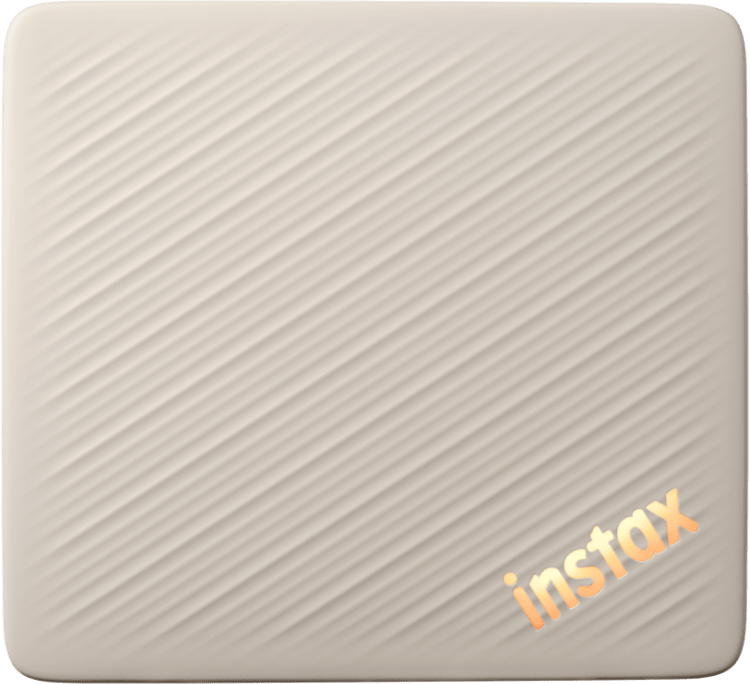
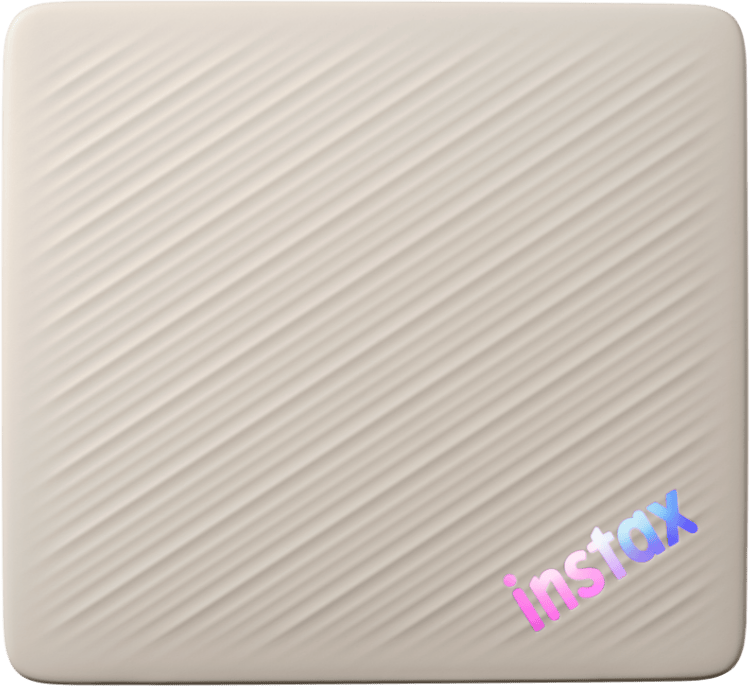
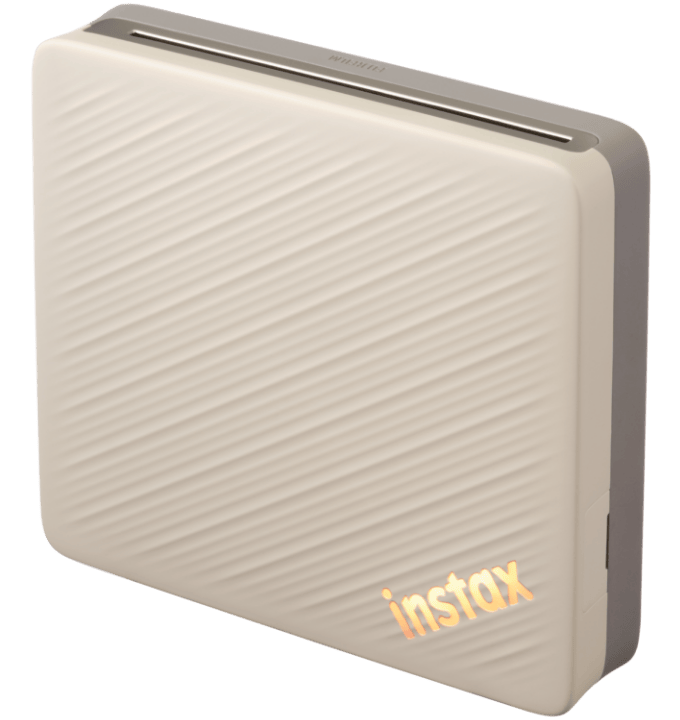
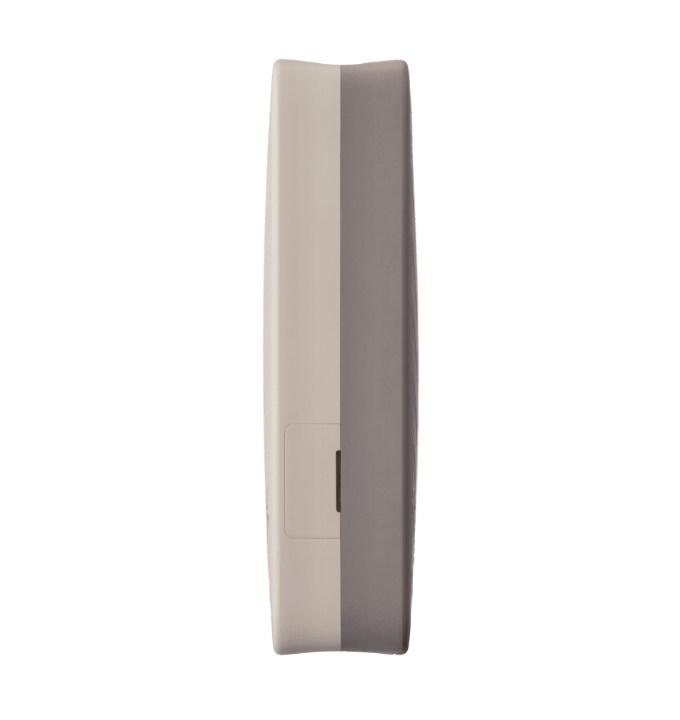
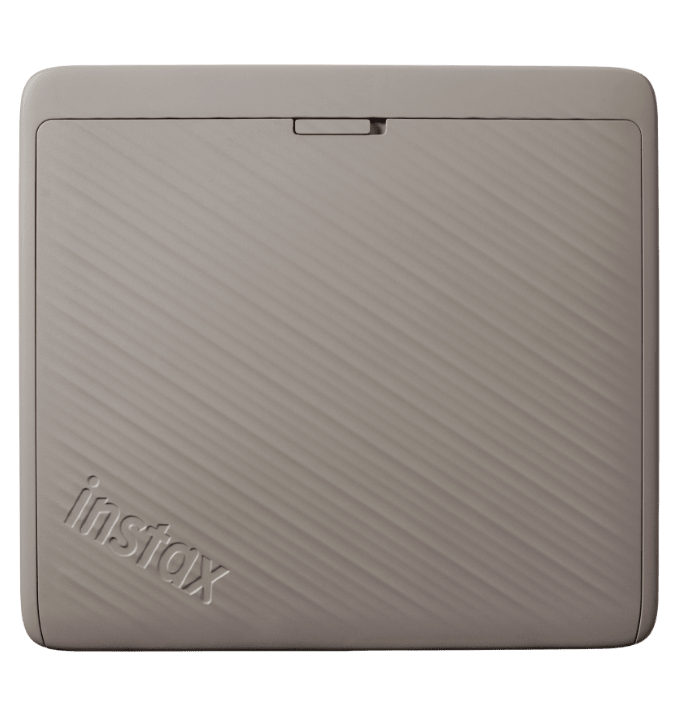
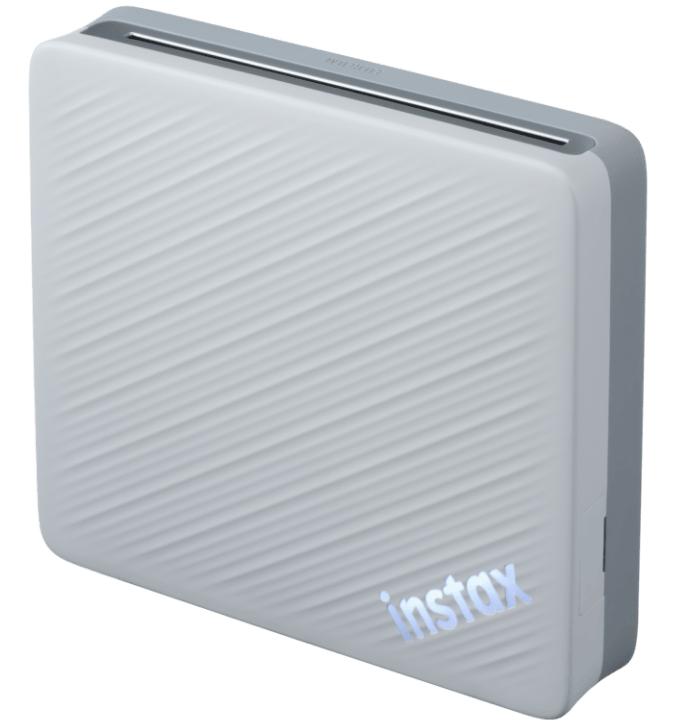
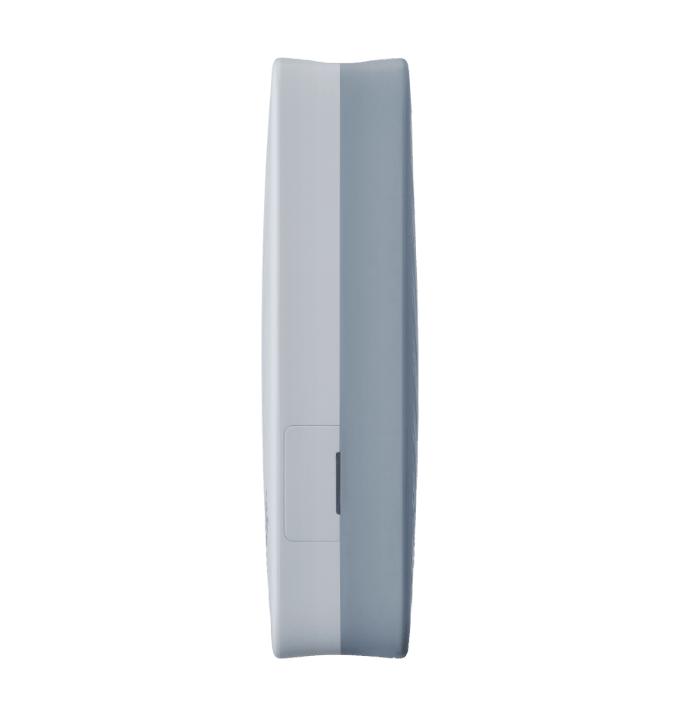
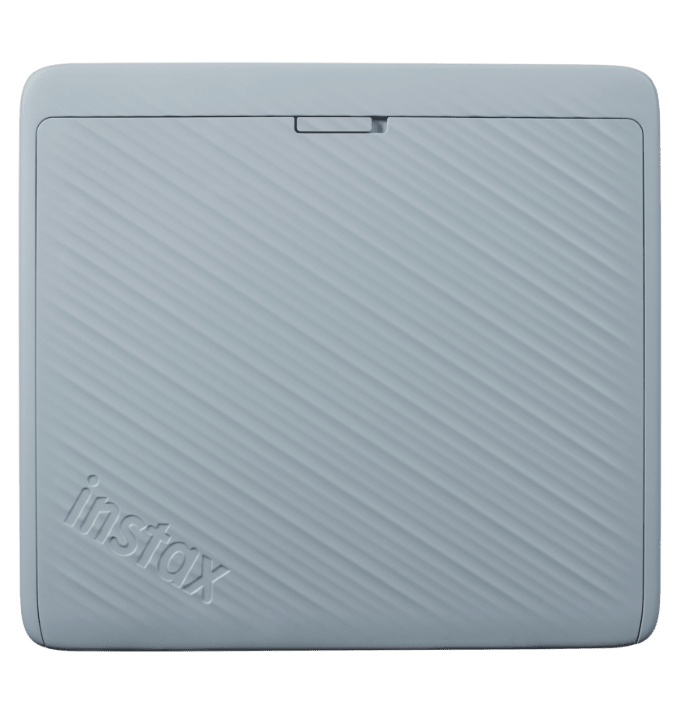
Product Design
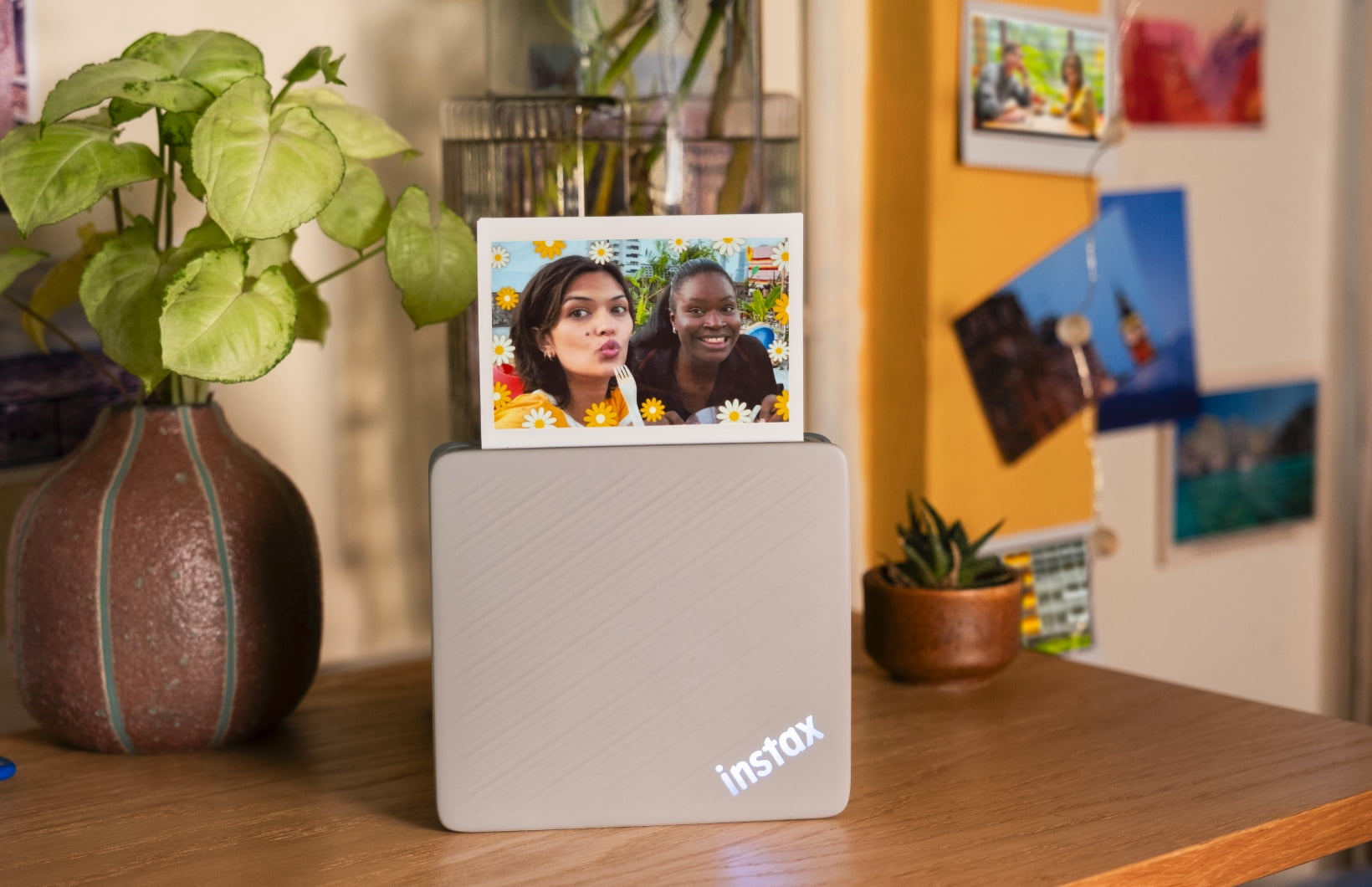
A stylish design that blends seamlessly with any interior.
Duo Beige
Duo Blue
Tutorial Video
Features
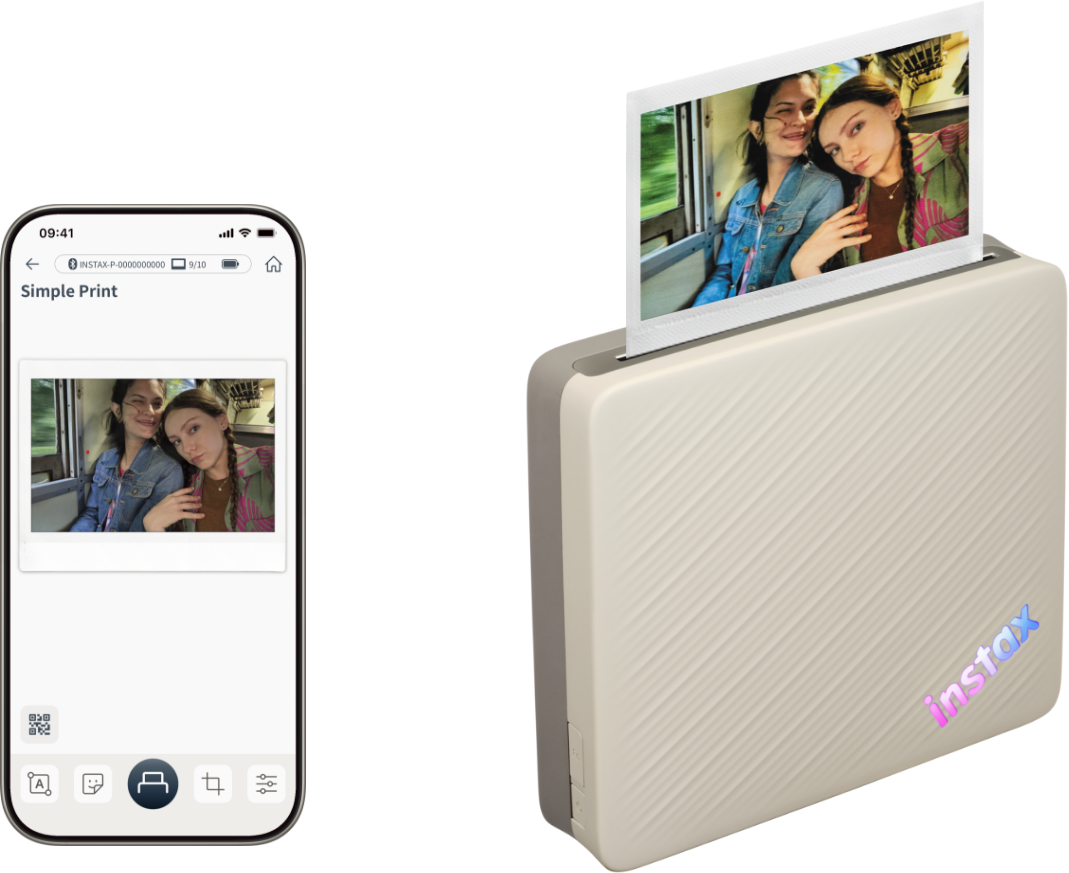
Simple Print
Print your smartphone images in seconds.
WIDE Print
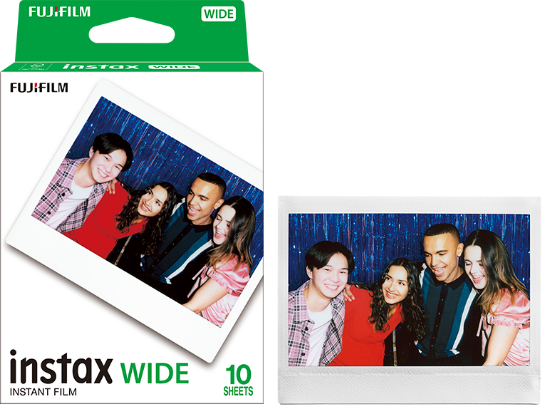
Twice the size of the instax™ mini film. The instax™ WIDE film lets you capture more of the moment from group photos to wide-format landscapes.
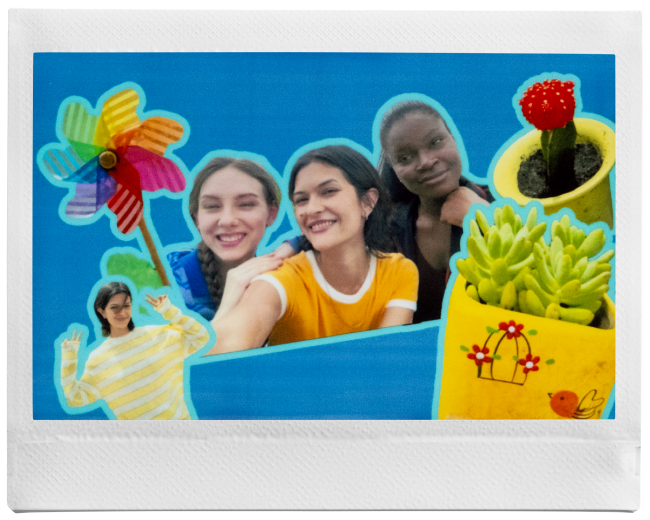
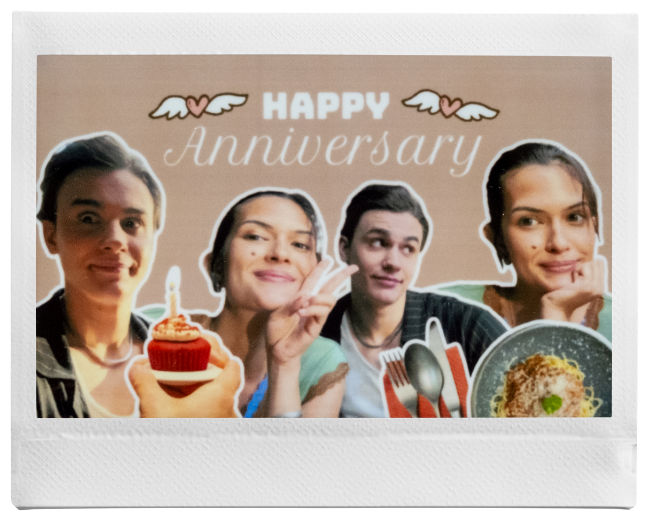
Photo Mixer™
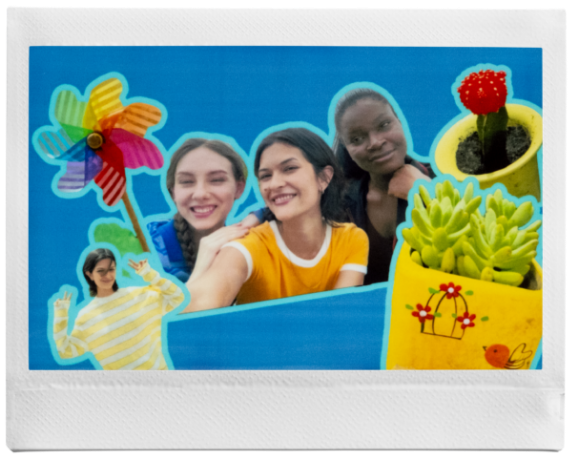
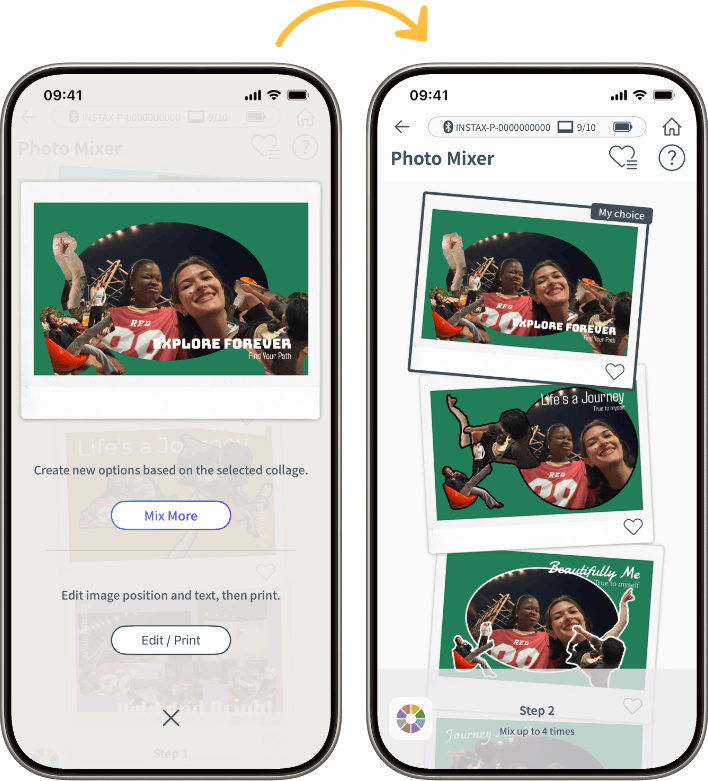
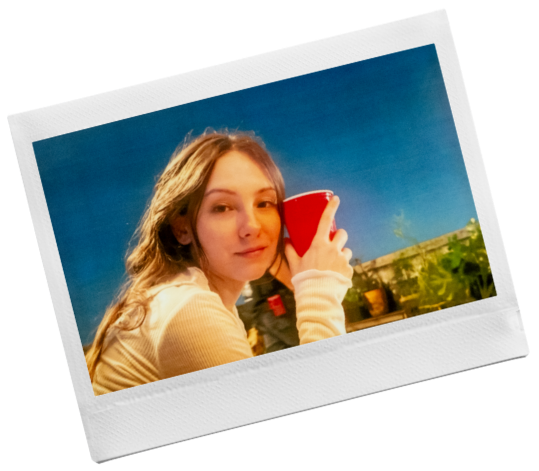
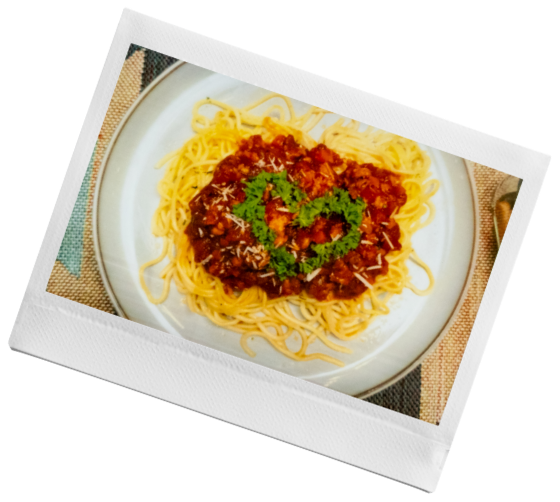
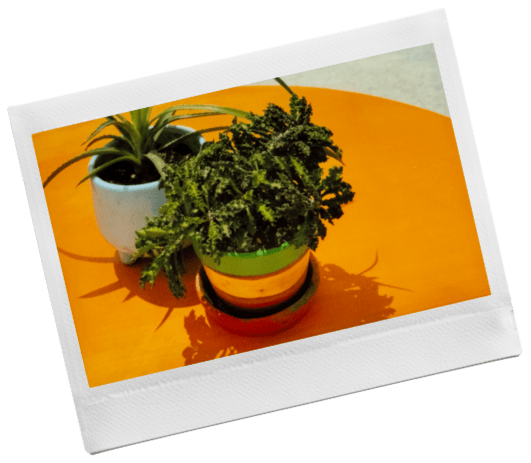
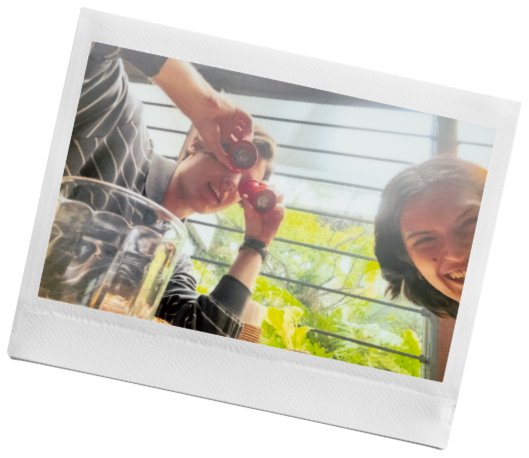
Create postcard-style collages that bring your photos together beautifully. Simply select up to 6 images and let the instax Link WIDE™ app crop and generate a selection of stylish layouts to explore. Remix up to five times until it feels just right, then fine-tune with custom edits before printing an instax™ WIDE photo or sharing online.
Compatible devicesTo use Photo Mixer™, you need iOS 17 or later or Android 12 or later. *Some devices may not work even with the supported OS version or later.
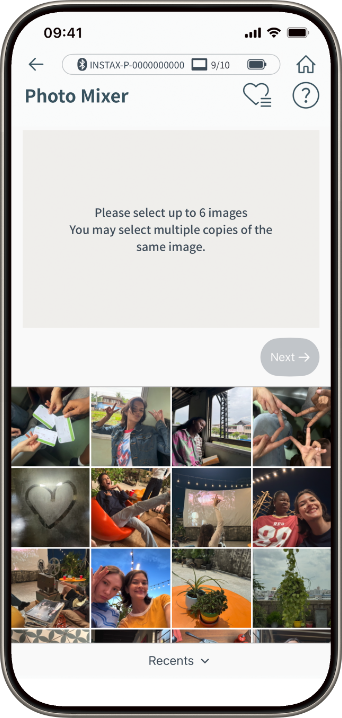
Step01
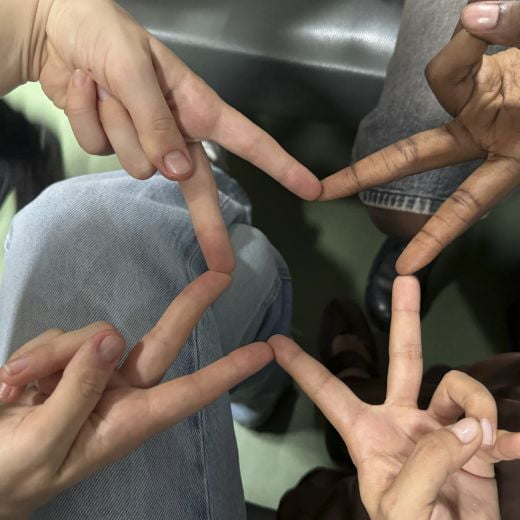
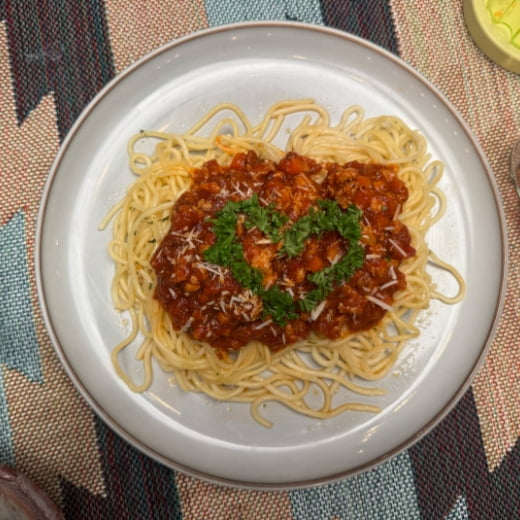
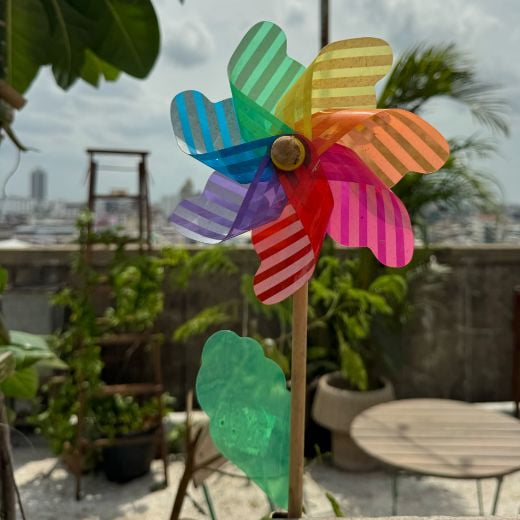
Please select up to 6 images.
Step02
You can specify the subject you wish to clip. If not specified, clipping will be done automaticaly.
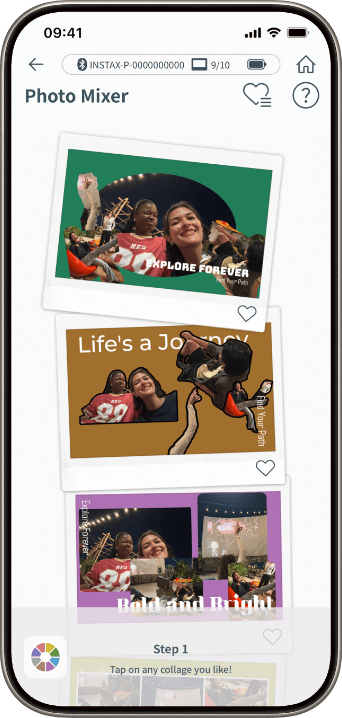
Step03
Pick your preferred collage layout.
Choose!
Step04
Let the app generate new designs until it’s just right.
Choose & Edit
Step05
Your unique, one-of-a-kind collage is ready to print.
Other Features
instax-Natural Mode™
instax-Rich Mode™
Print Quality Mode
Switch to instax-Natural Mode™ for a classic, desaturated look to your printed photos, or select instax-Rich Mode™ for bright, immersive color.
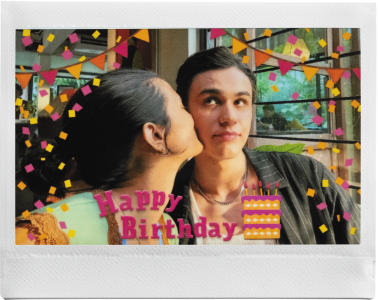
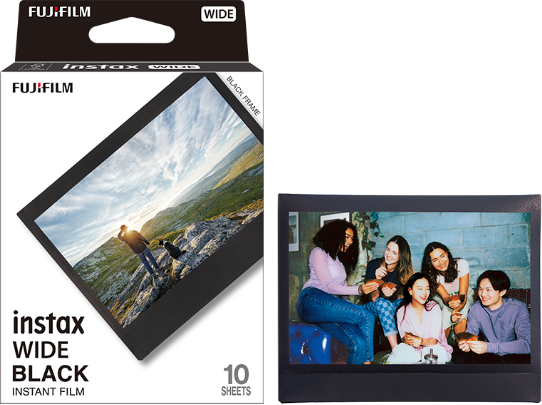
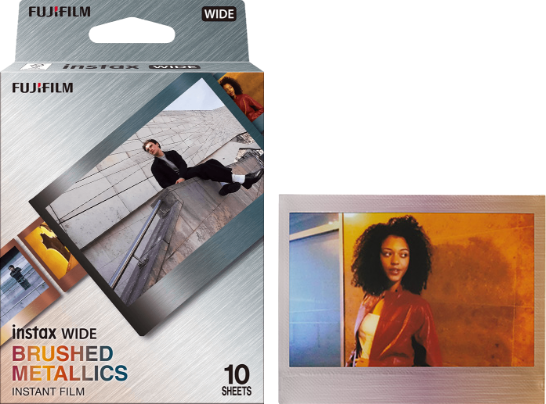
Frame Print
Choose your favorite frame and make your instax™ photo prints even more fun.
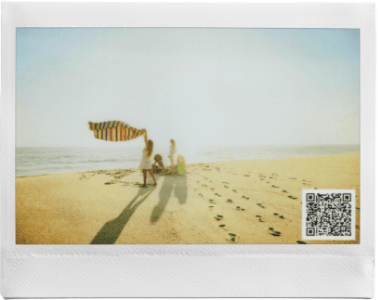
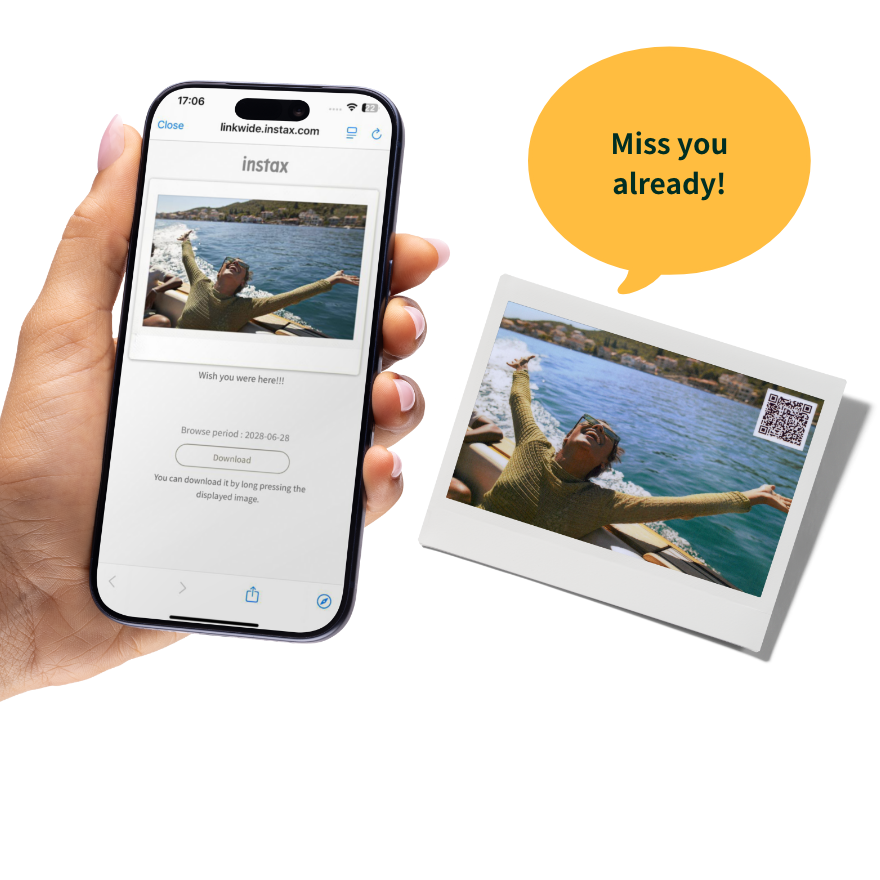
QR Print Mode
Print your instax™ photos with QR codes that unlock secret messages, special locations, and more when scanned.
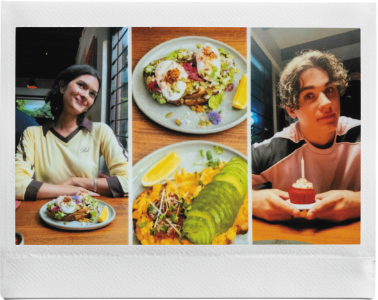
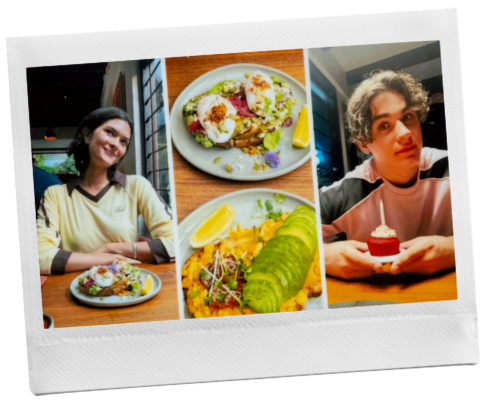
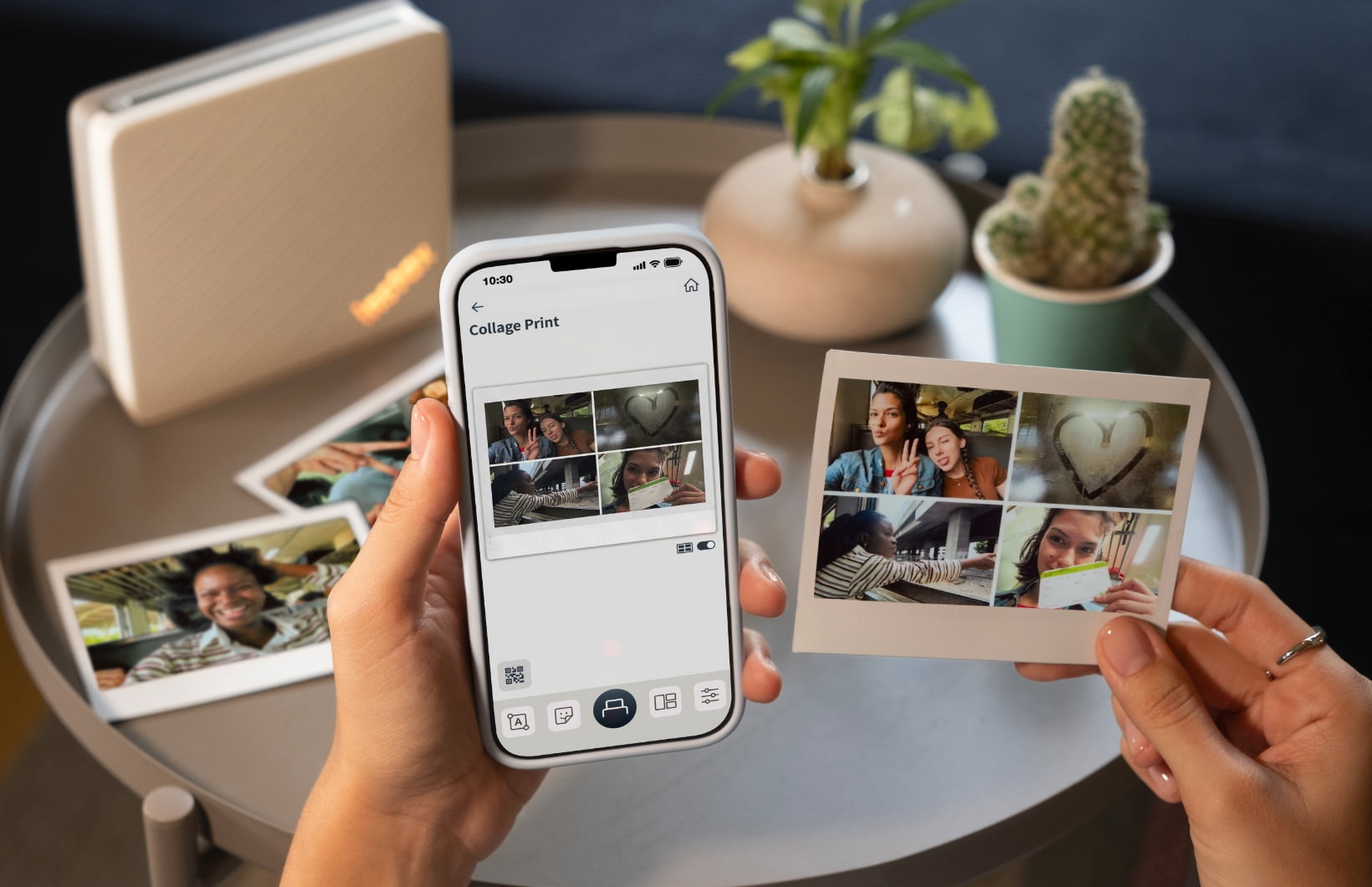
Collage Print
Combine multiple images into a single print using the split template.
QR Print Mode
Add richness to the moments that matter most with a QR code.NOTE this is not illustrated in the image provided
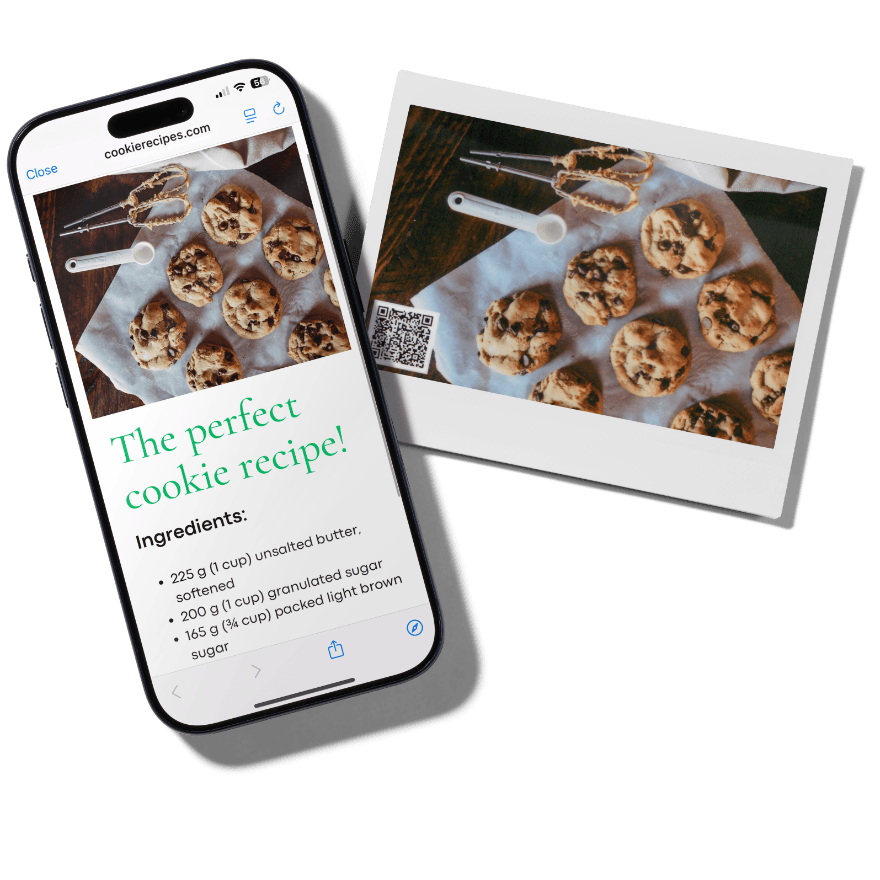
1. Link to Website
Let's Share Recipes
Include the recipe URL. Let's share your favorite dishes.
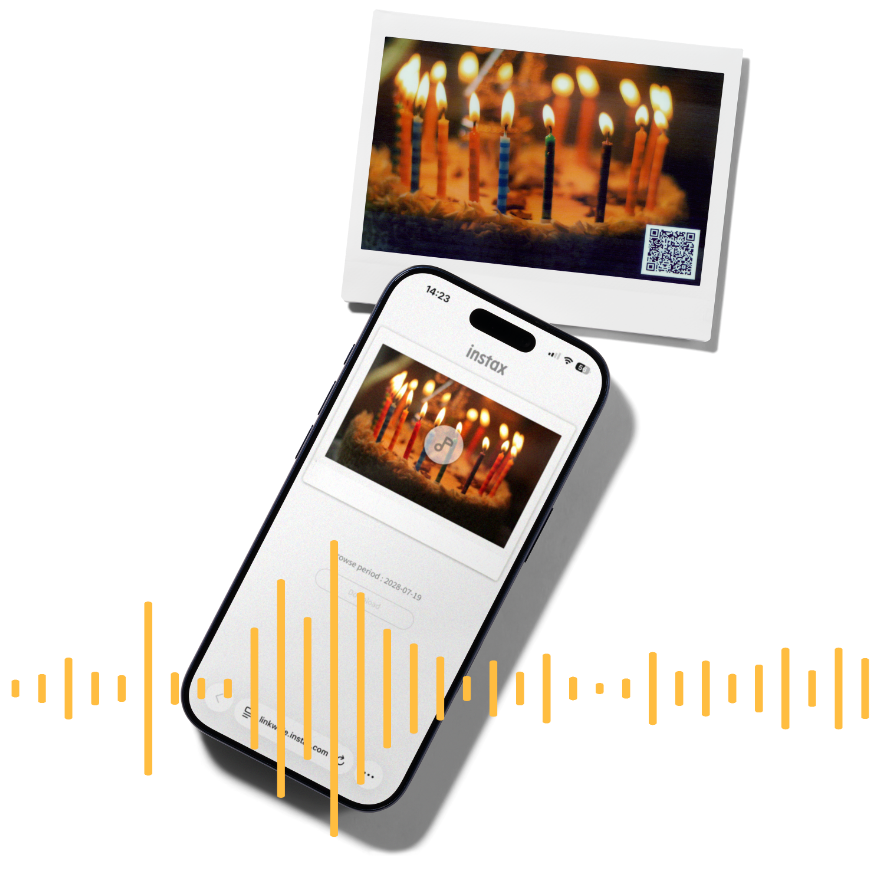
2. instax Sound Print™
Share the excitement of the moment
Add audio to your photos to enhance the memory.
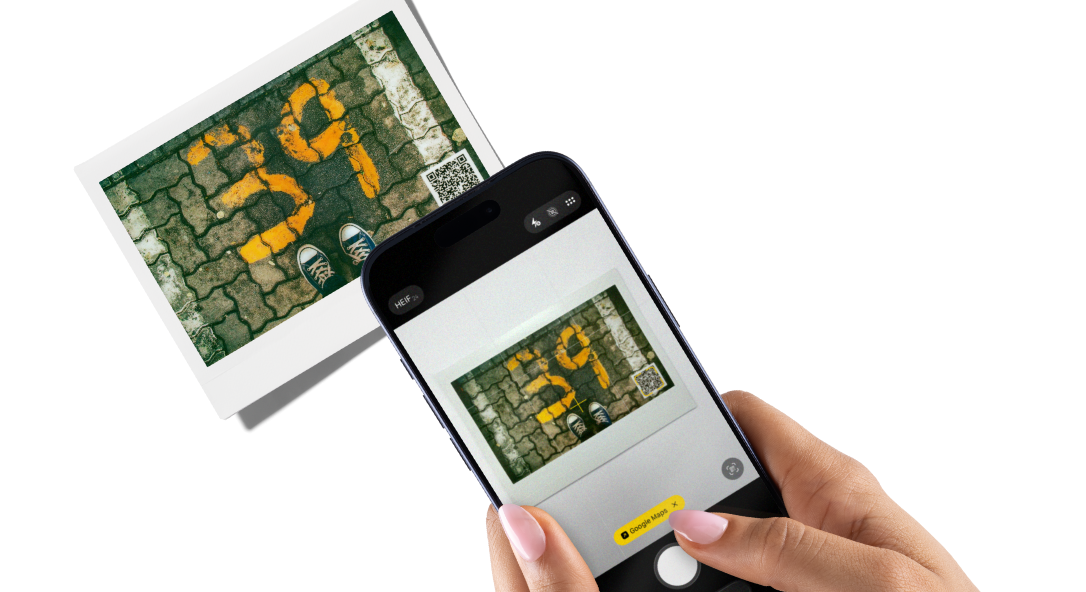
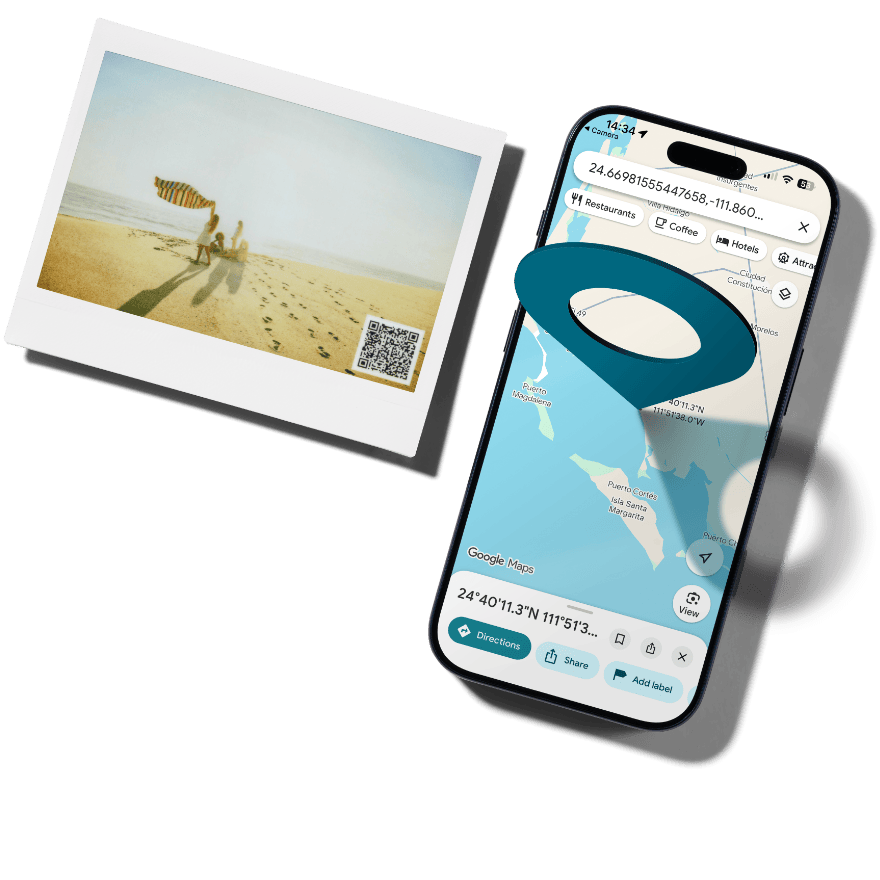
3. Location Print
Share your favorite places
Add location information to keep a record of all your favorite spots.
●Apple and the Apple logo are trademarks of Apple Inc., registered in the U.S. and other countries and regions. App Store is a service mark of Apple Inc.
●Google Play and the Google Play logo are trademarks of Google LLC.
●Apple and the Apple logo are trademarks of Apple Inc., registered in the U.S. and other countries and regions. App Store is a service mark of Apple Inc.
●Google Play and the Google Play logo are trademarks of Google LLC.
●The use of this product requires the instax Link WIDE™ smartphone app (version 2.0.0 or later). Please check the app download sites (iOS, Android) for availability and compatibility, as the app may not be accessible depending on your smartphone's operating system.
Images of instax™ photos are for illustrative purposes only.
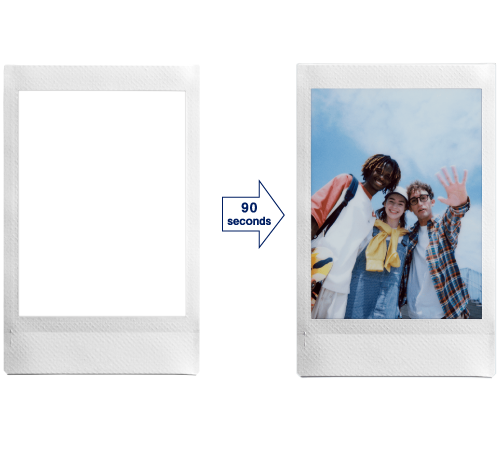
Develops in approx. 90secs.
The above specifications are subject to change for performance improvement.
Image size may affect the finish (sharpness, grain, etc.).
Time required for wireless communication may be affected by file size, smartphone model, etc.
The photo print finish (color, image quality, etc.) may be affected by smartphone model, shooting conditions, etc.
Actual finish may differ from the image displayed on the LCD screen of your smartphone.
Smartphone screen images are superimposed.
Actual screens may differ from those depicted.
The Bluetooth® word mark and logo are registered trademarks of Bluetooth SIG, Inc. and FUJIFILM Corporation uses these under license.
QR code is a registered trademark of DENSO WAVE INCORPORATED.
FUJIFILM、instax、instax Link WIDE 2、Photo Mixer、instax-Natural Mode、instax-Rich Mode and “don’t just take, give.” are registered trademarks of FUJIFILM Corporation.
Have you ever wondered what gives your favorite instax™ photos their unique look?
The secret lies within the film, and we’re ready to share all >>>
Film that’s filled
with technology
Point 1
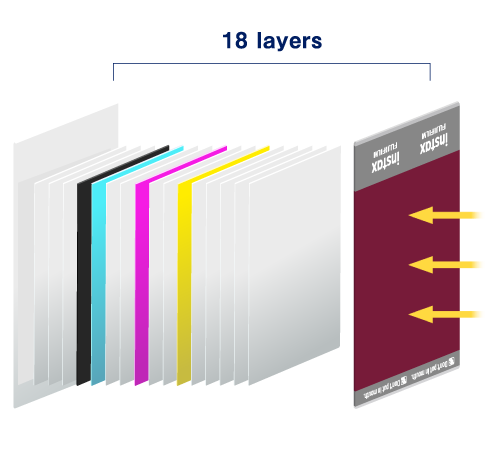
Let’s start with an exploded view of instax™ film. Whether it’s mini, SQUARE or WIDE, they’re all packed with innovations that make developing and printing photos possible.
Point 2
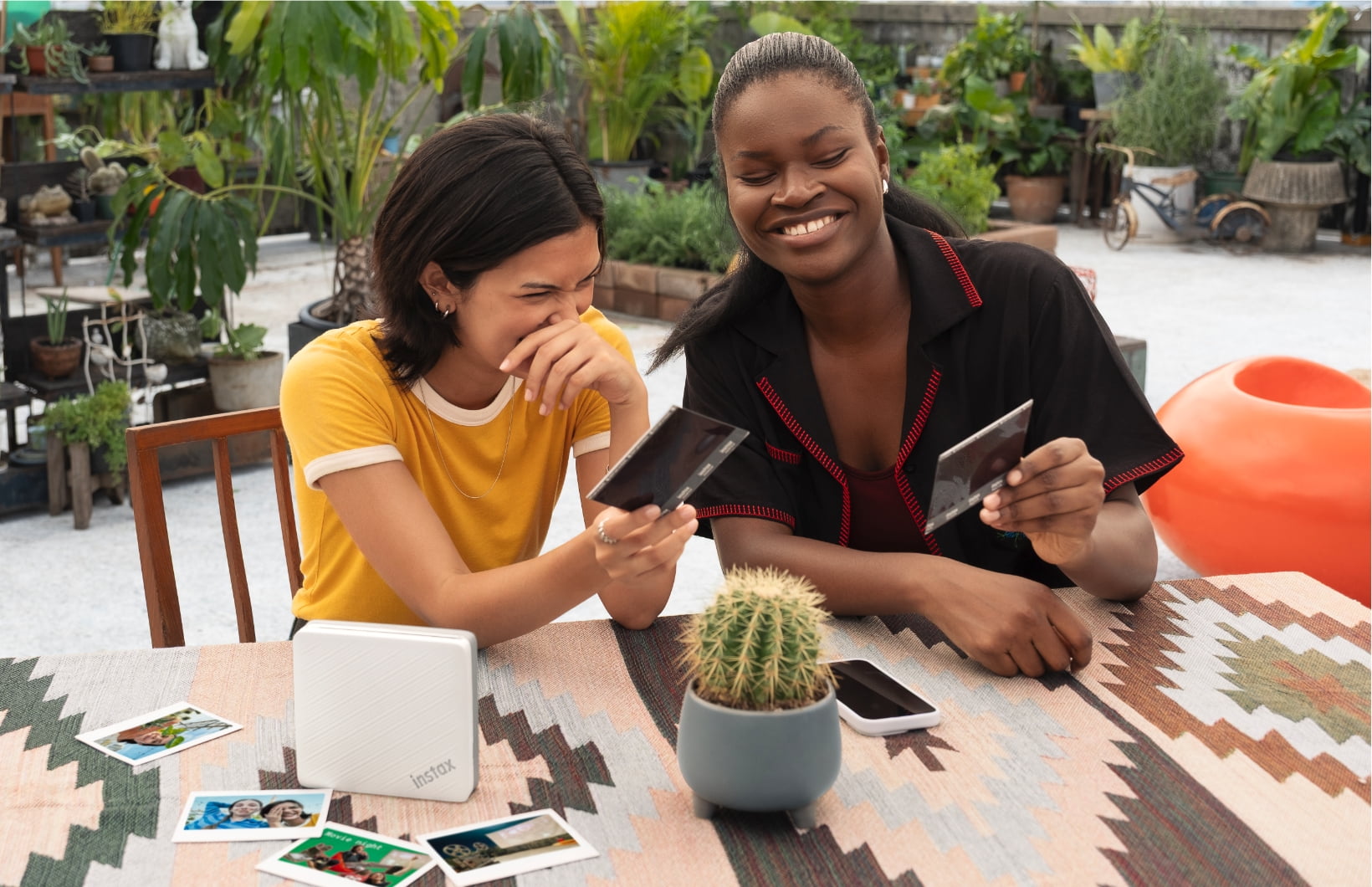
The photograph gradually emerges over approximately 90 seconds.
Point 3
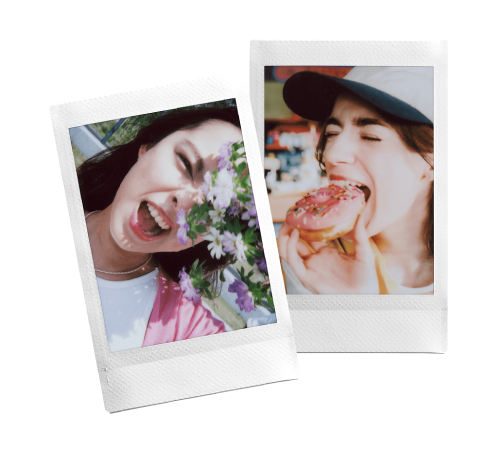
instax™ photos feature silver halide technology to get their unique, high-quality look.Plus, instax™ photos are water resistant and ideal for storing even in wallets and phone cases. Now that's some serious film technology!
With the introduction of AI, you can now scan an instax™ photo regardless of the background or angle, or even in your hand.
●Apple and the Apple logo are trademarks of Apple Inc., registered in the U.S. and other countries and regions. App Store is a service mark of Apple Inc.
●Google Play and the Google Play logo are trademarks of Google LLC.
STEP1
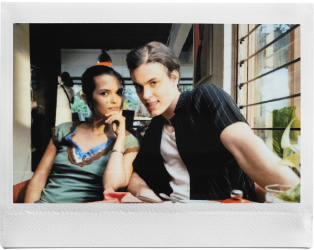
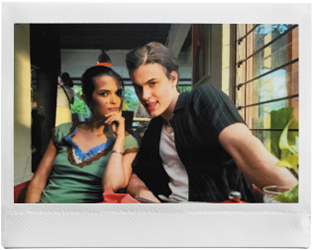
Scan instax™ photos using high-quality AI scanning
STEP2
Organize your collection of scanned instax™ photos




 Smartphone Printer


























































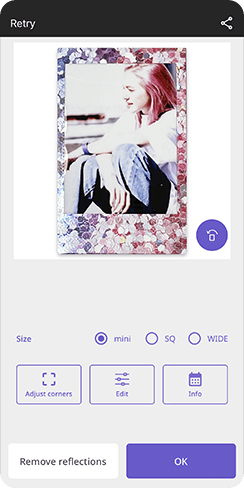 STEP1Scan instax™ photos using high-quality AI scanning
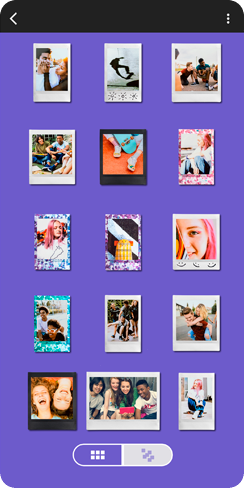 STEP2Organize your collection of scanned instax™ photos
 STEP3Share your gallery across social media