

Firmware
Details of the upgrade
Ver. 1.00Please update the firmware according to (1) or (2) below.
(1) Updating via the instax mini Evo™ smartphone app
STEP01
< Back Up Images>
< Back Up Images>
- 1. Insert the microSD card into the camera and turn on the power.
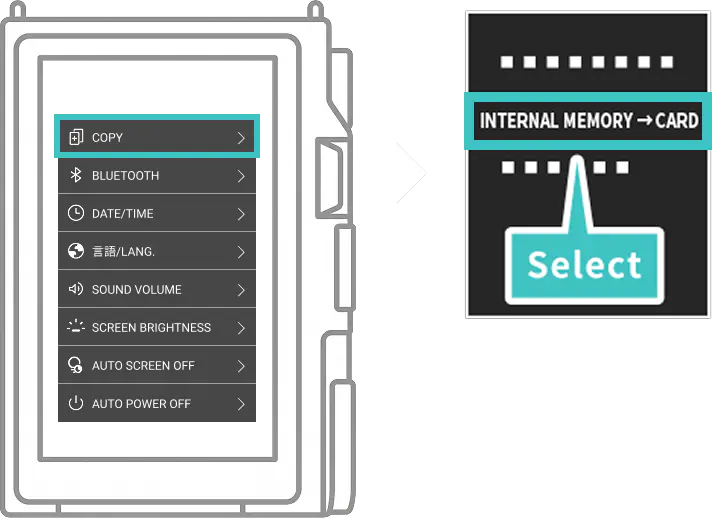
- 2. In the menu, go to [COPY] and select [INTERNAL MEMORY → CARD].
STEP02
< Update Firmware>
< Update Firmware>
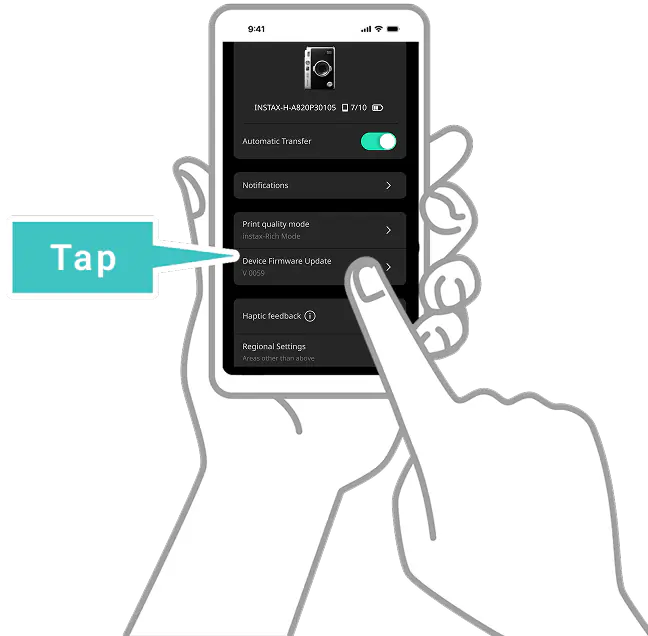
Launch the instax mini Evo™ smartphone app and select Menu.

STEP03
Select “Firmware Update” and follow the on-screen instructions.
(2) Updating via a microSD card
STEP01
< Back Up Images>
< Back Up Images>
- 1. Insert the microSD card into the camera and turn on the power.
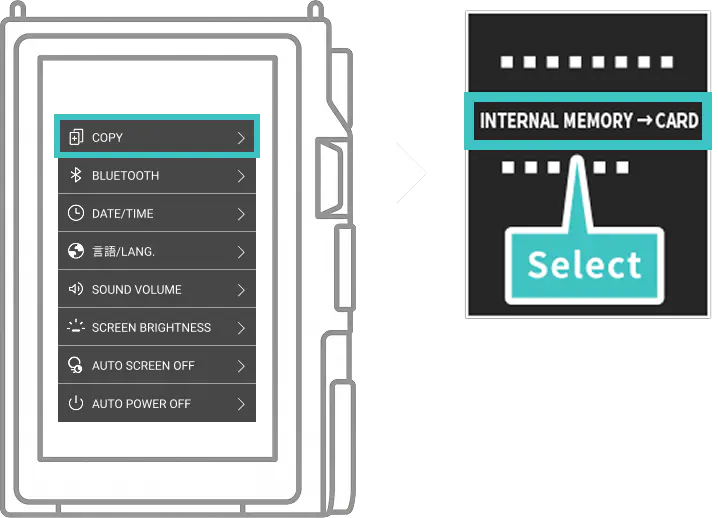
- 2. In the menu, go to [COPY] and select [INTERNAL MEMORY → CARD].
STEP02
< Update Firmware>
< Update Firmware>
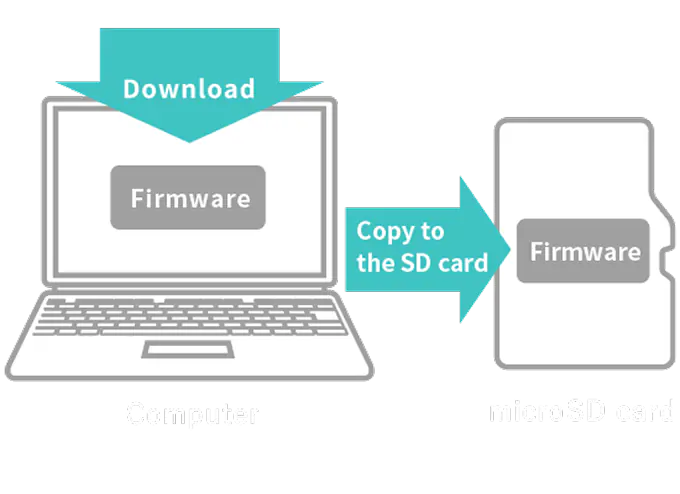
Save the latest firmware version from your PC to your microSD card.
STEP03
Make sure the camera is sufficiently charged, insert the microSD card and turn the power on.

STEP04
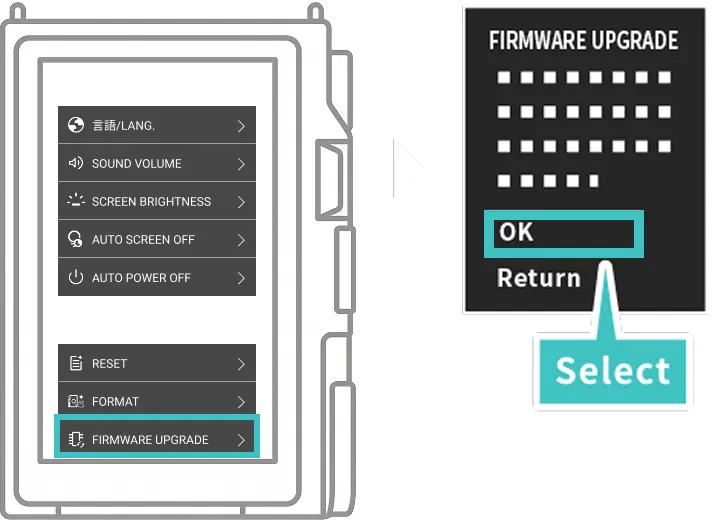
Select [FIRMWARE UPGRADE] from the menu to update.