


fits with you
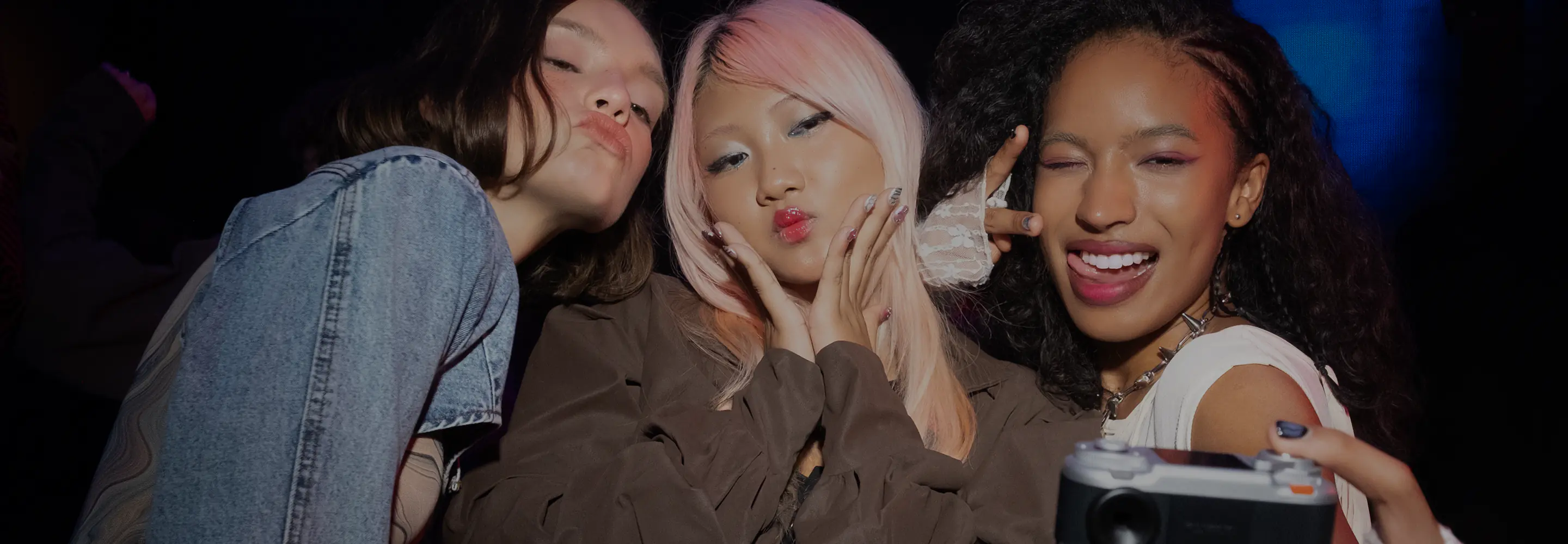
Digital Camera
ANALOG-STYLE EXPERIENCE

Built-in viewfinder and analog style lever for selecting frames and creating an instax Animation™.
COMPACT DESIGN
Effortlessly portable
and fits with any style.
SEAMLESS PRINTING
Print photos on any instax Link™ smartphone printer.
UNIQUE SHOOTING
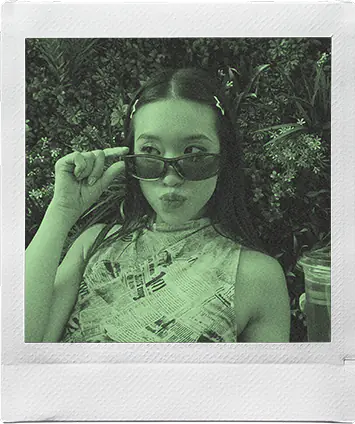
Select & photograph in instax™mini, SQUARE, WIDE and No Frames formats. Choose between different photo effects.

instax Pal™




INFORMATION
-
NEW ⚠️ Android App Update Required
-
instax Pal 2™ special website launched.
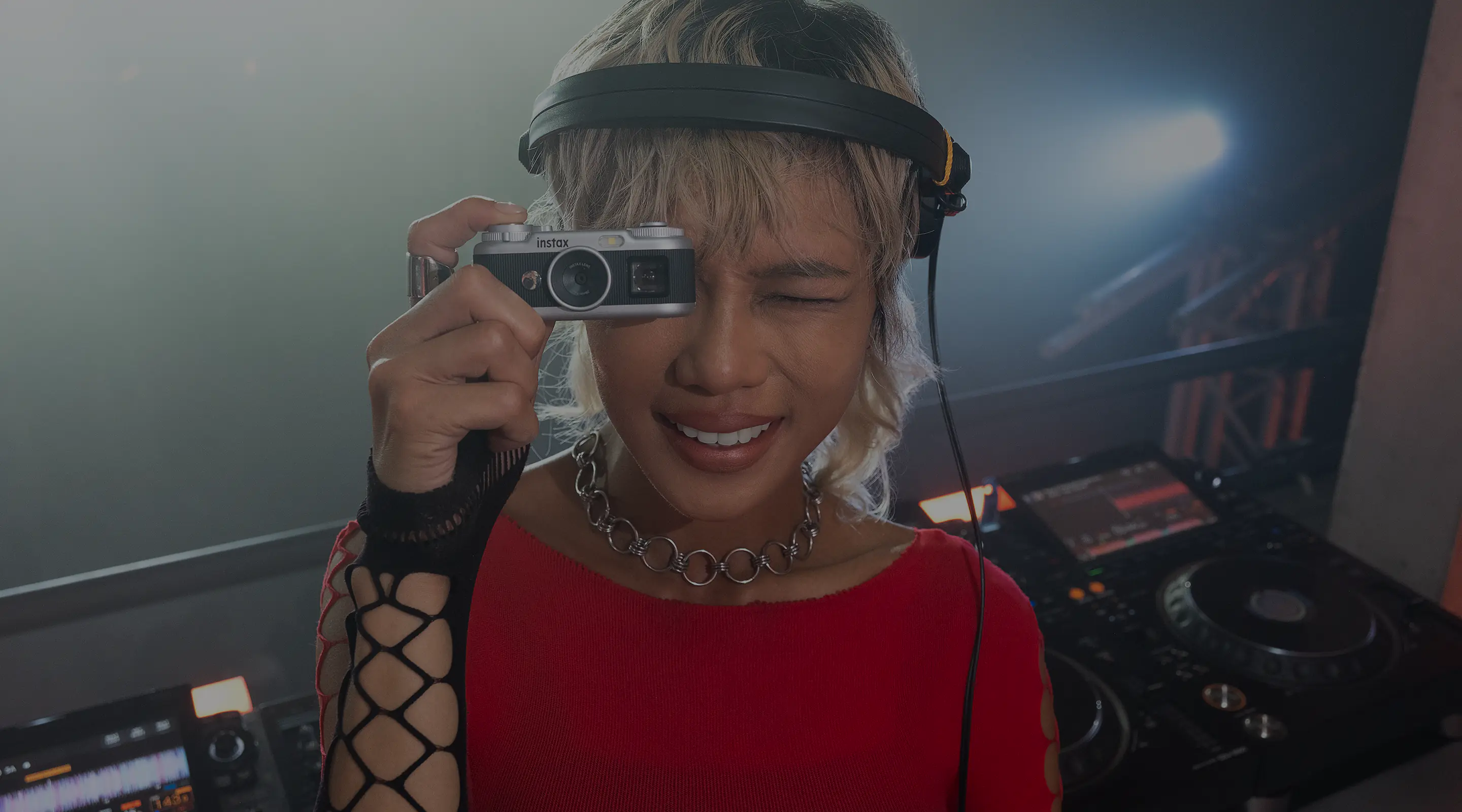
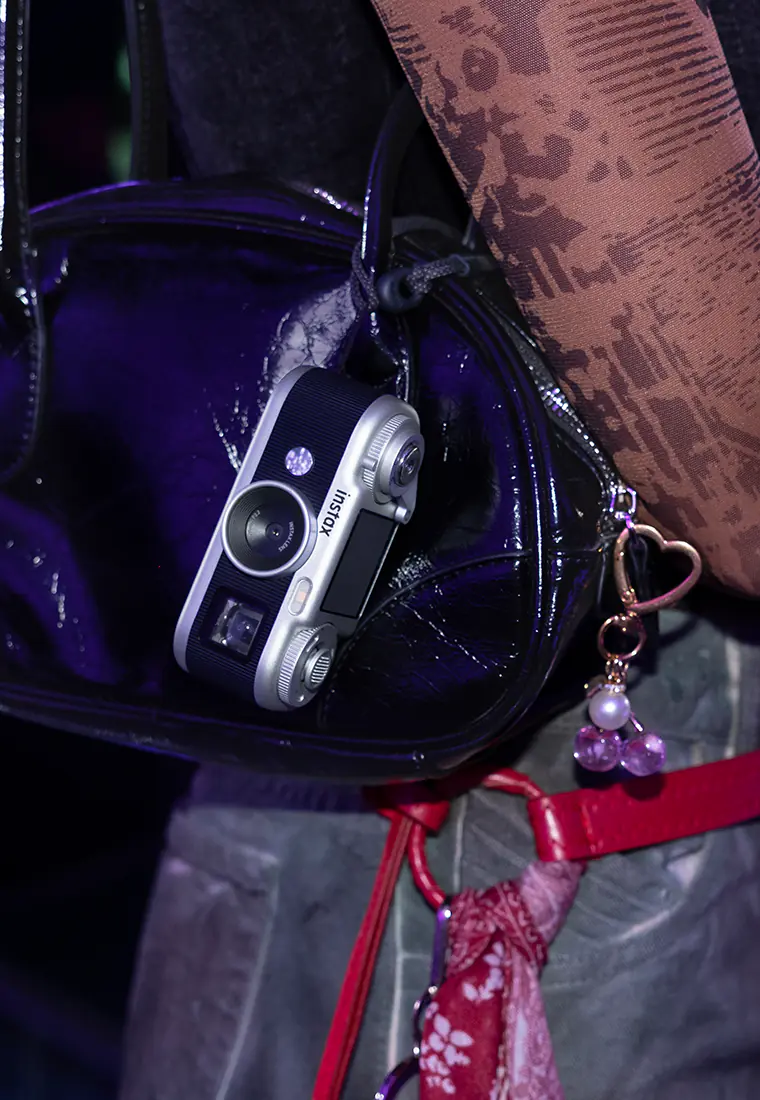
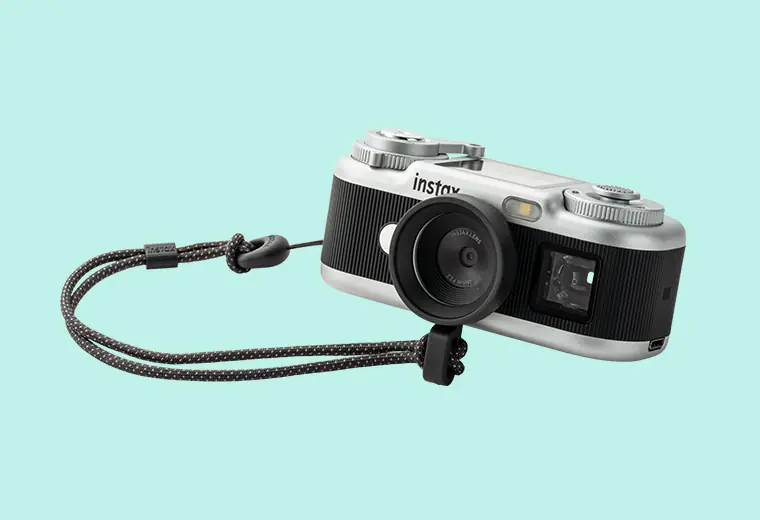
A sophisticated design you'll want to carry with you
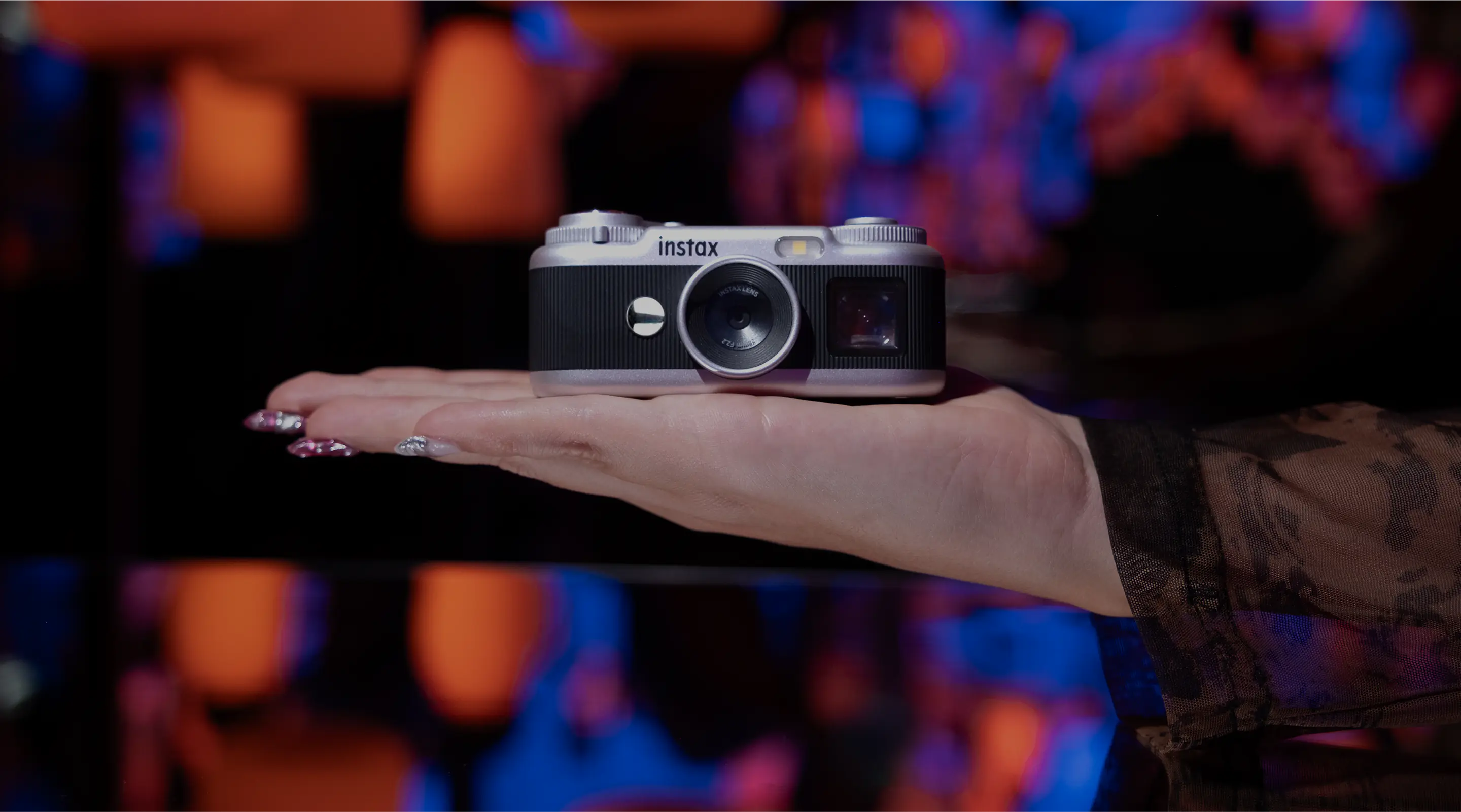
An analog-like feel that brings out the joy of photography
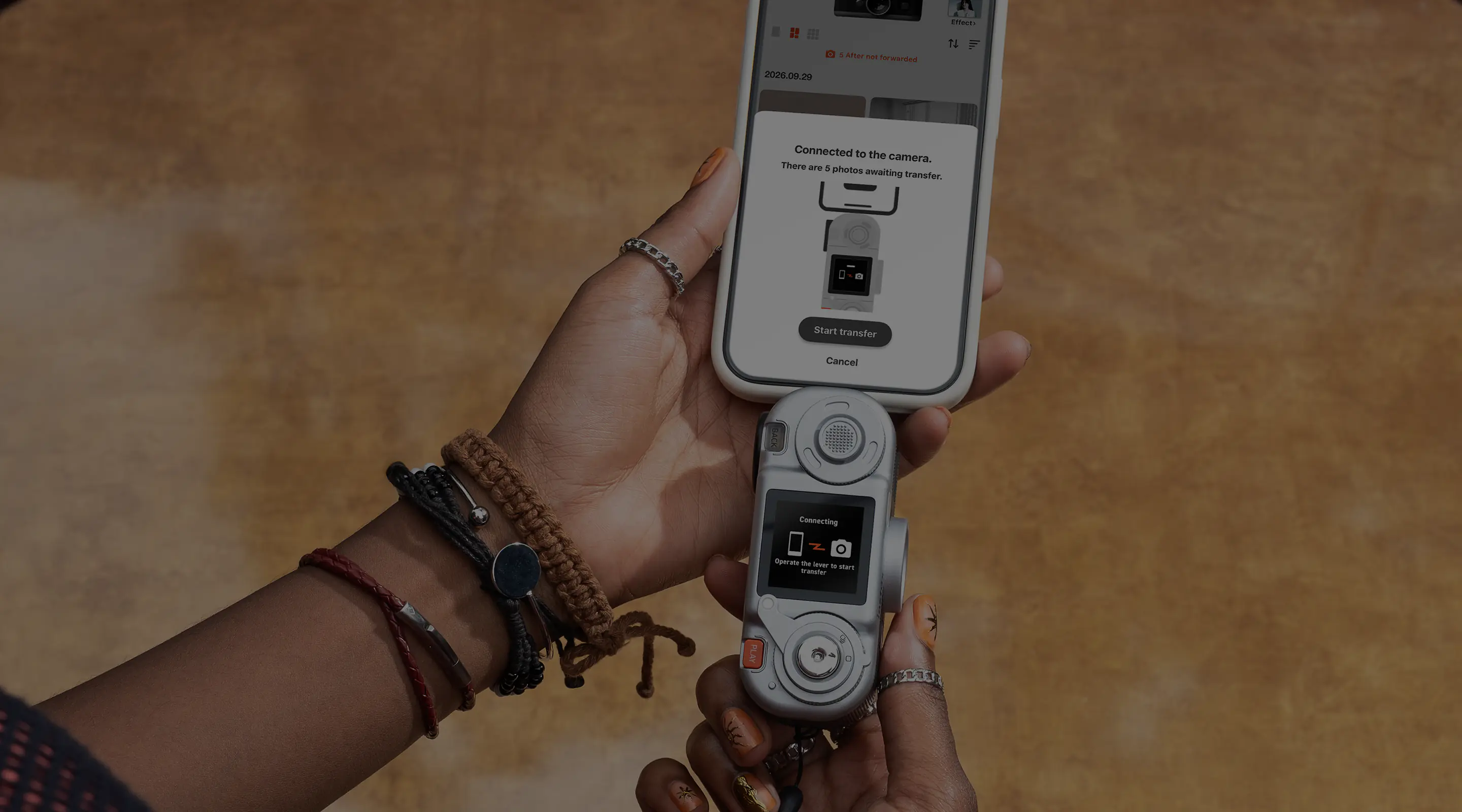
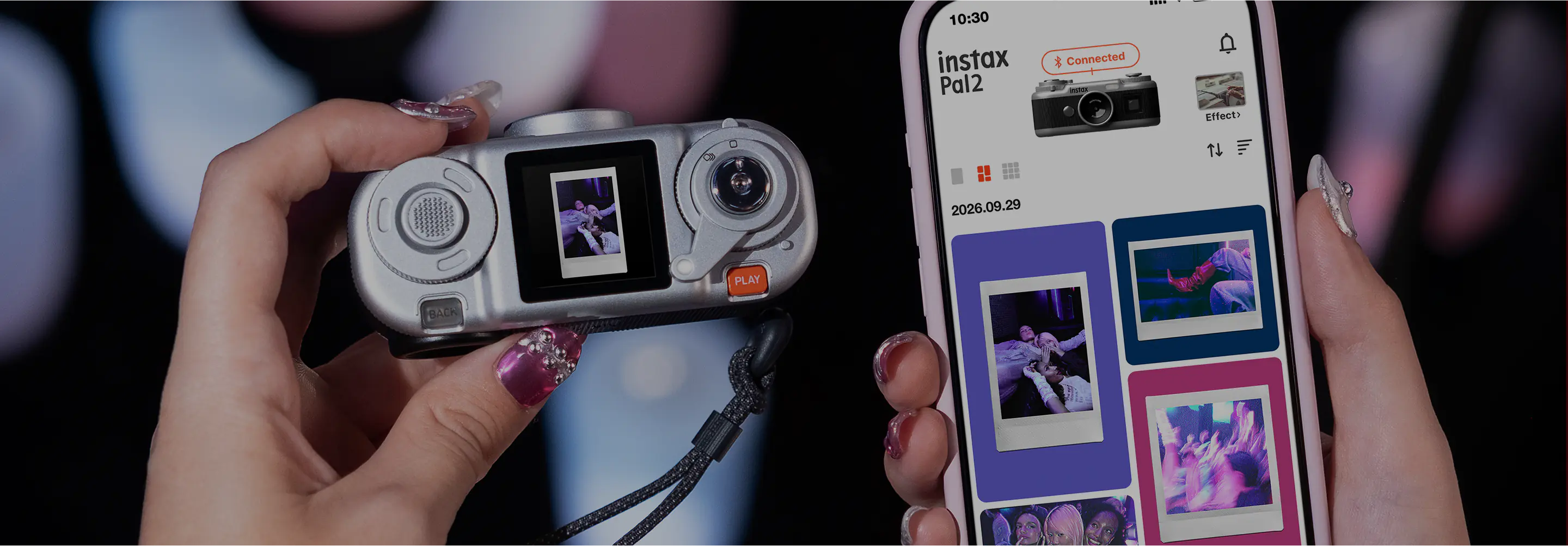
Transfer photos to the app right after you take them
Product
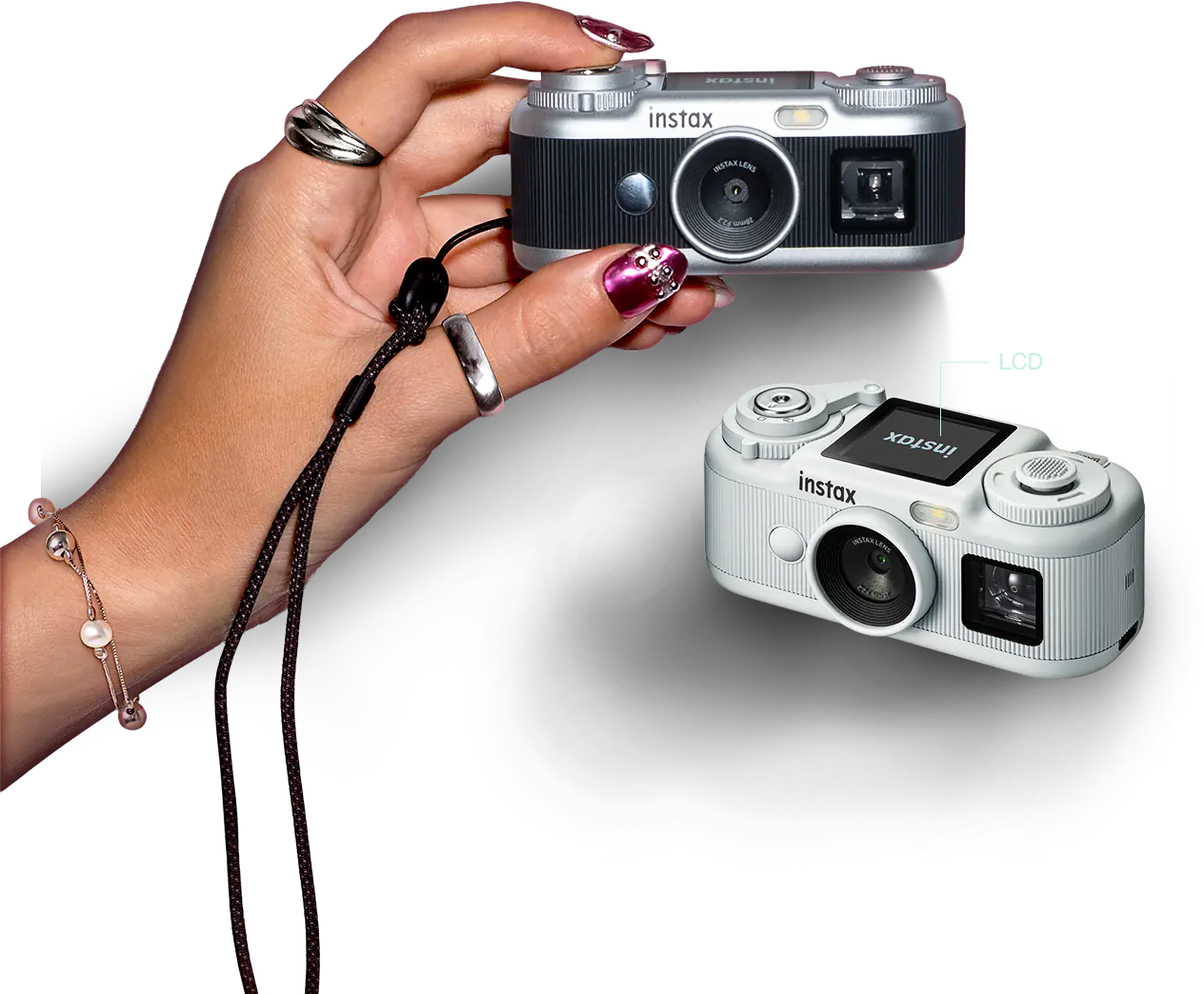
Design
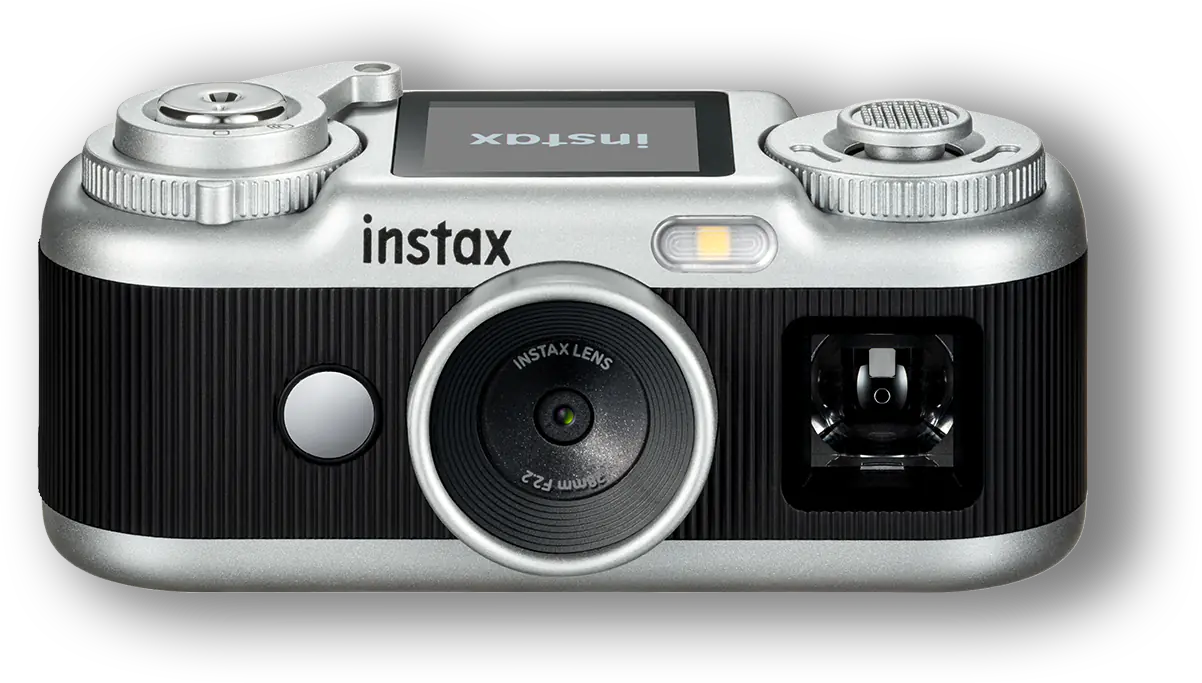
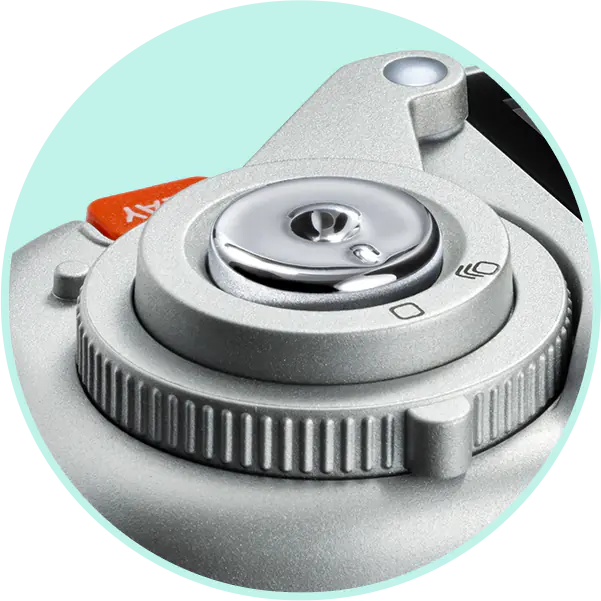
Shutter Button
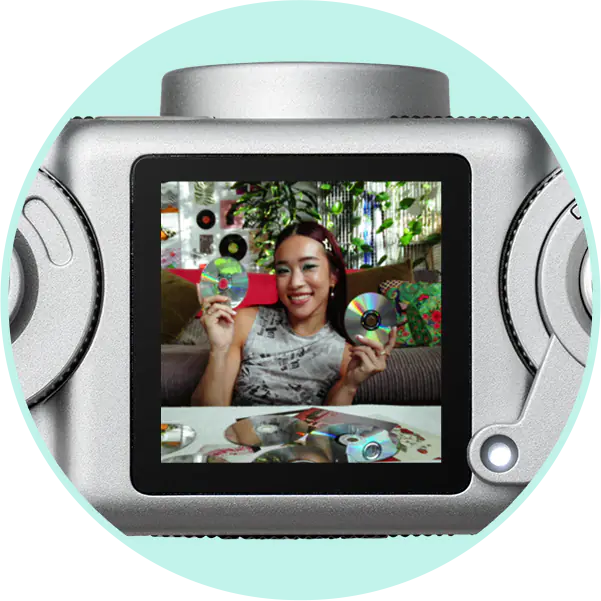
LCD Screen
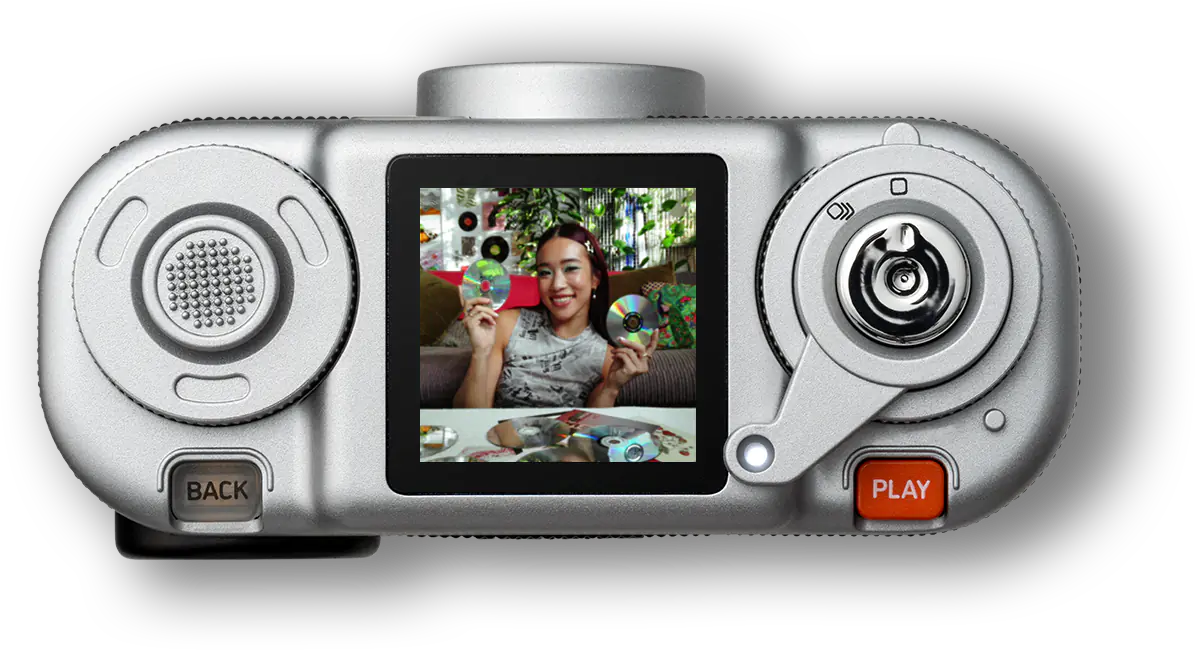
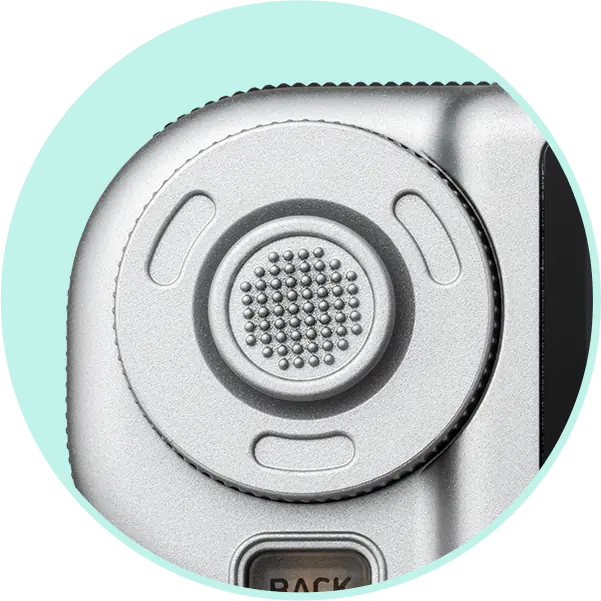
Command Dial
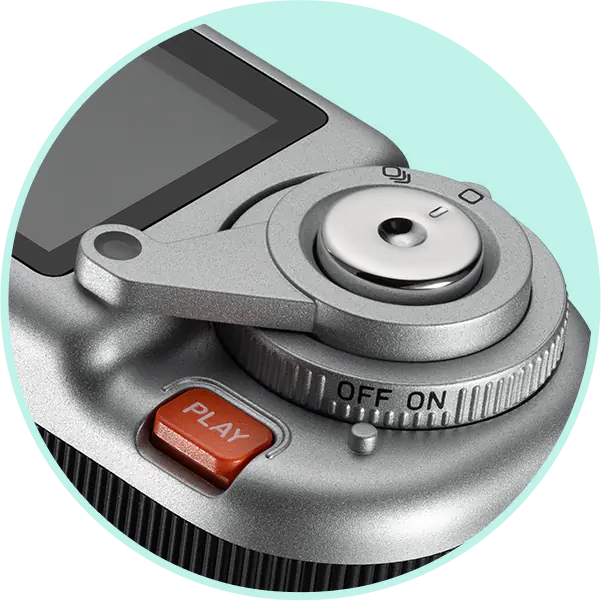
Lever
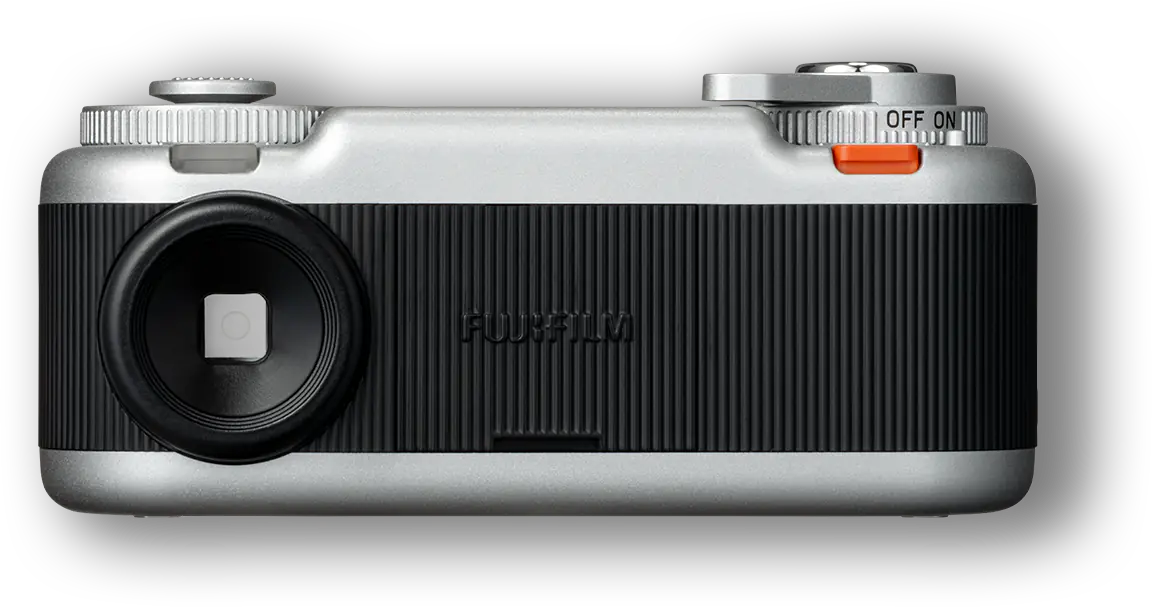
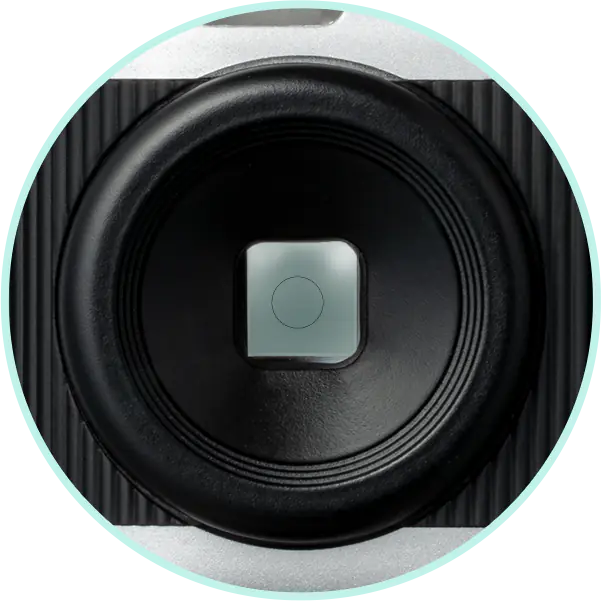
Finder
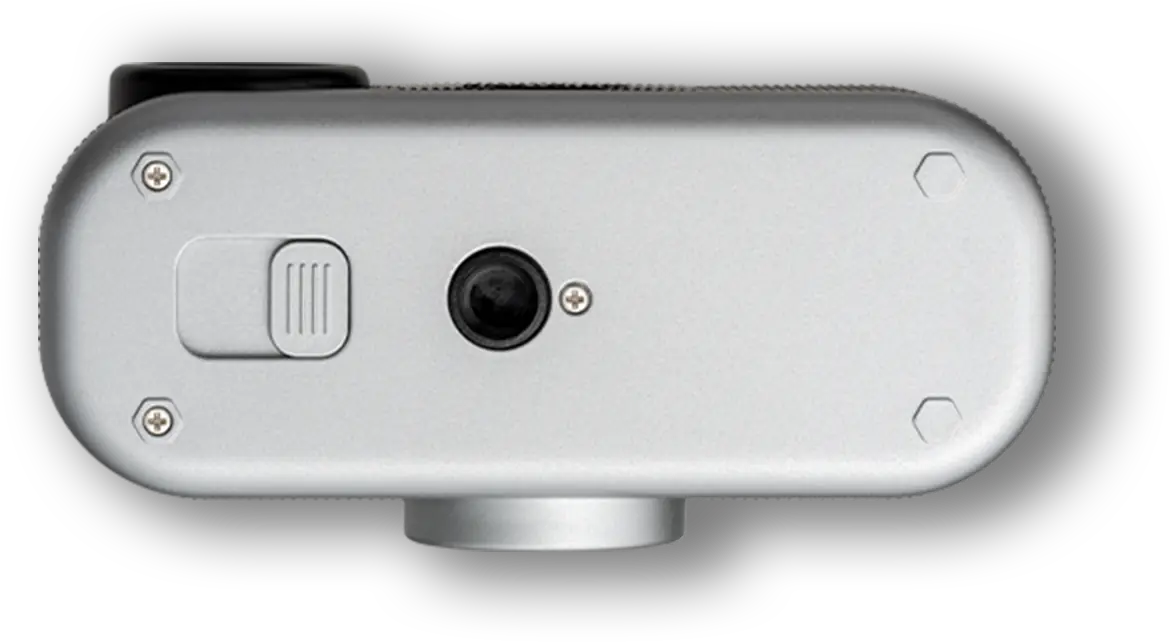
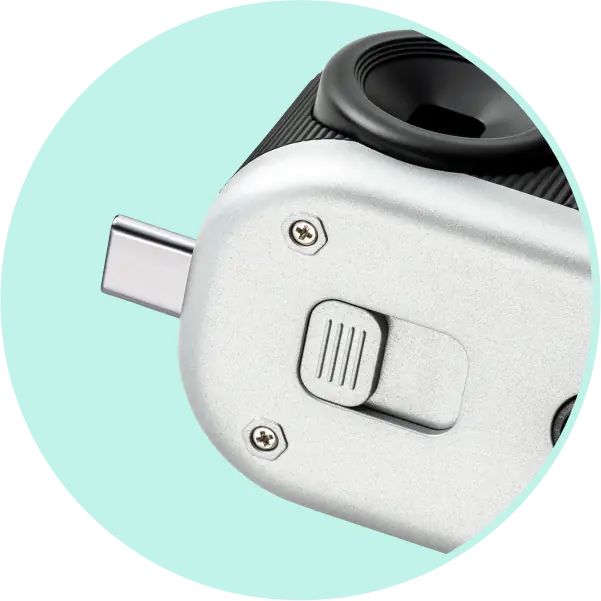
USB Type-C Terminal
Color
Variations
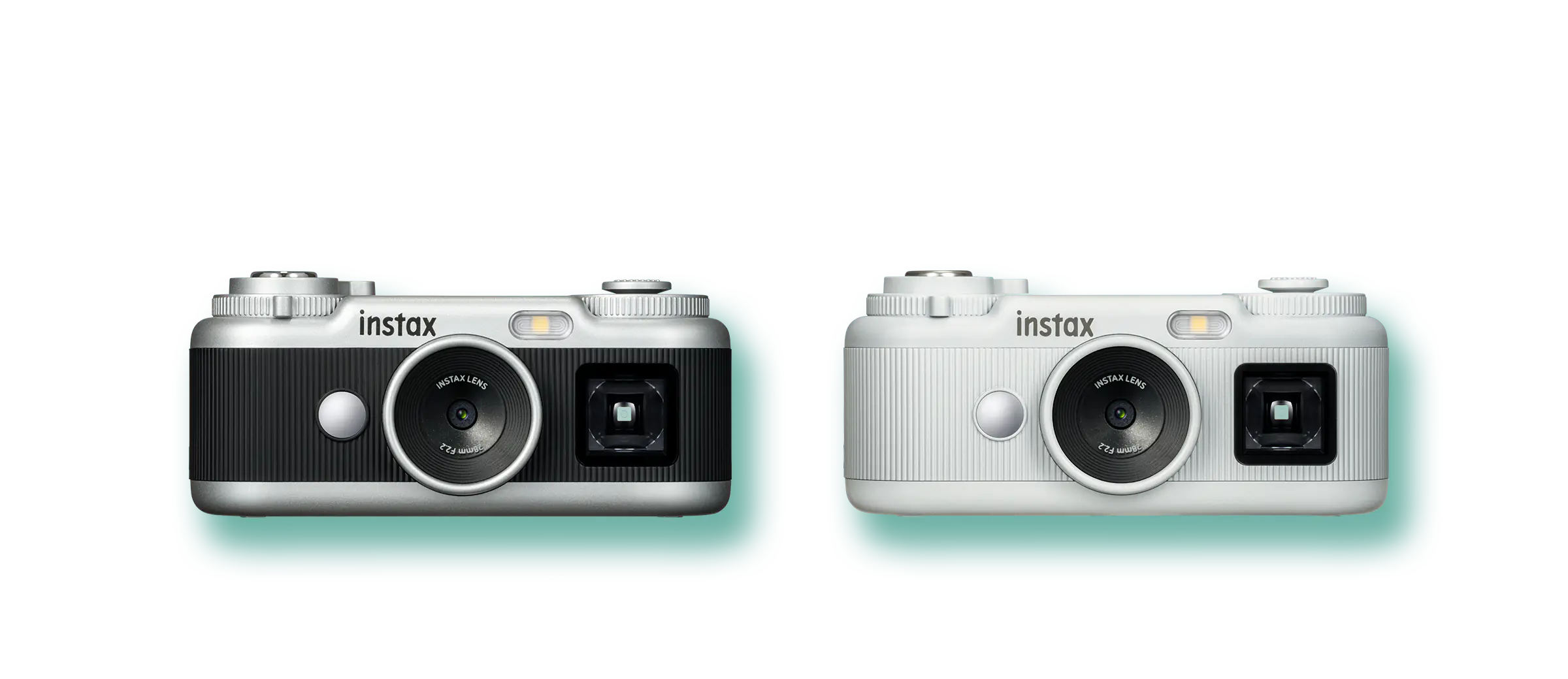
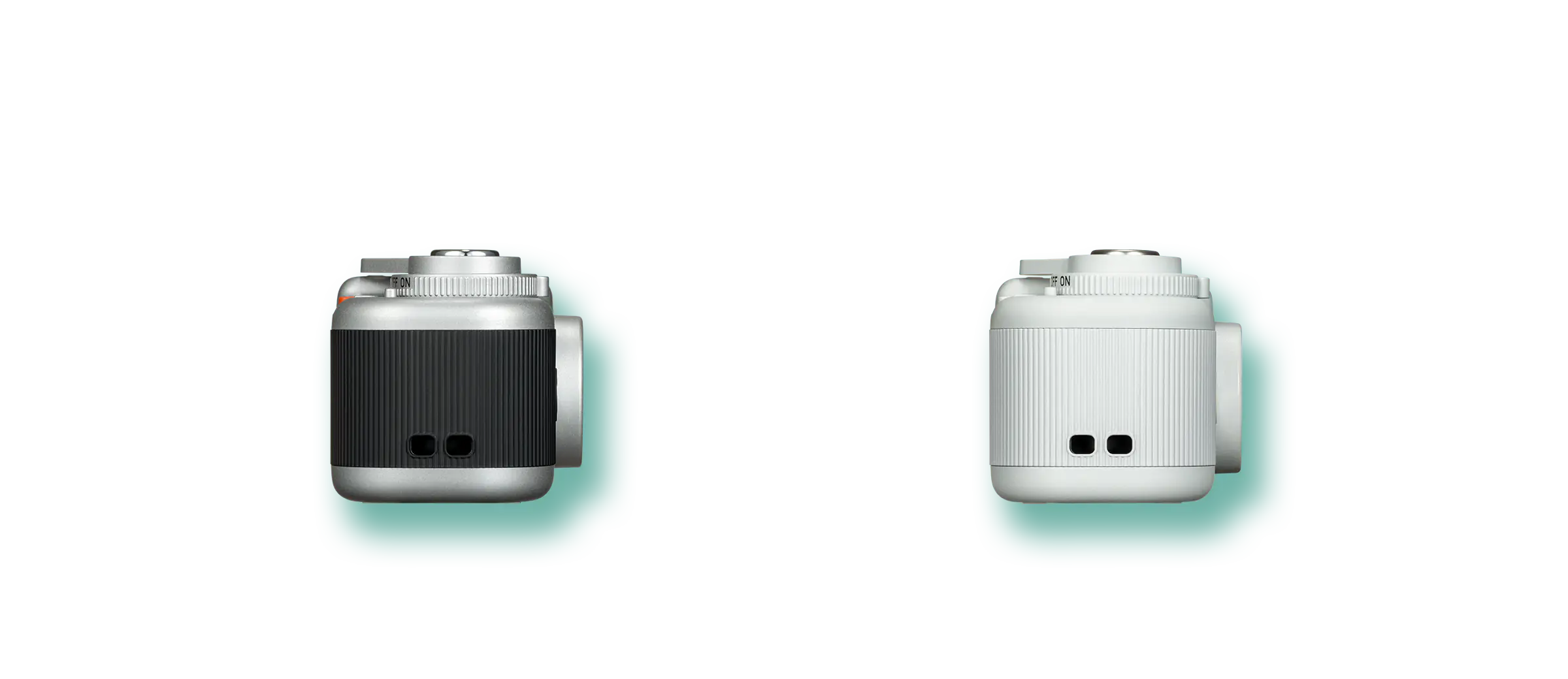
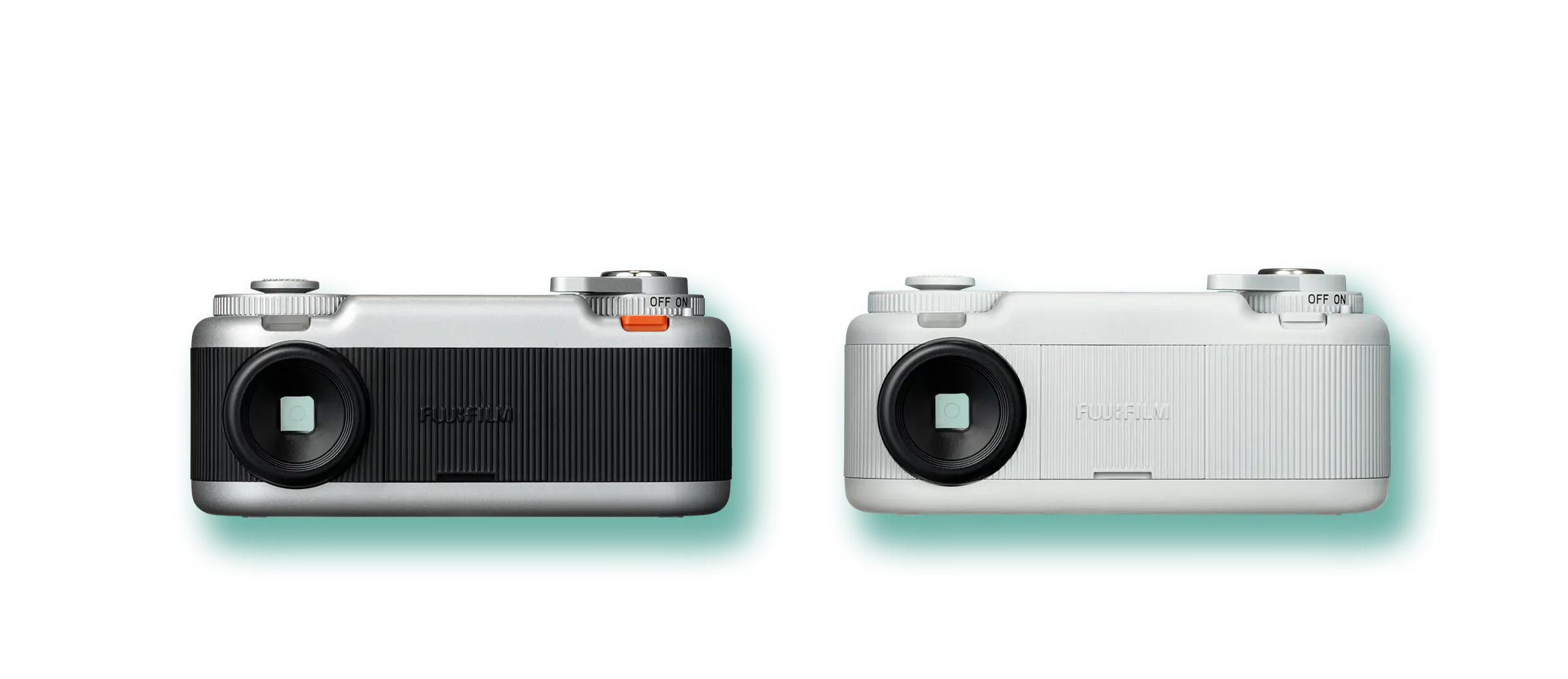
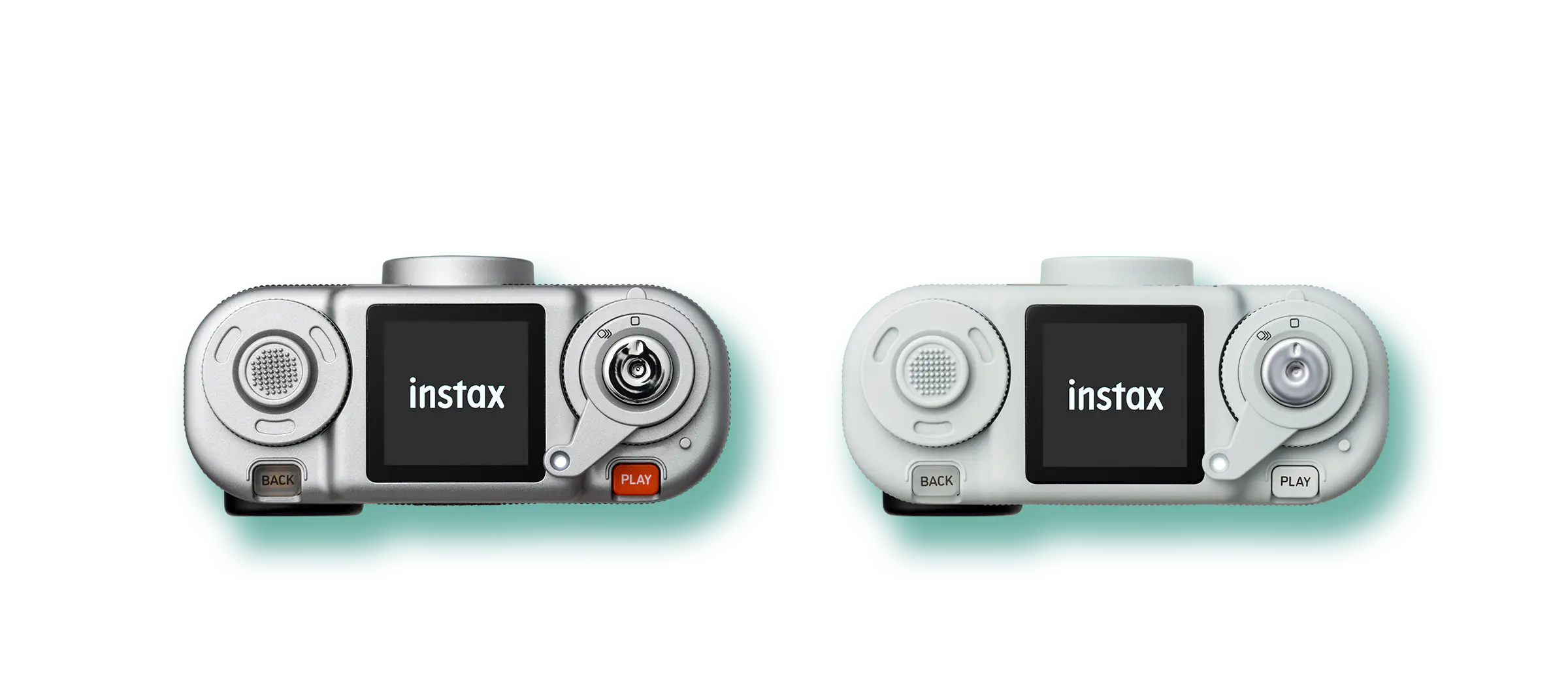
Black
White
Shoot
Point

Take Photos with instax™ Frames
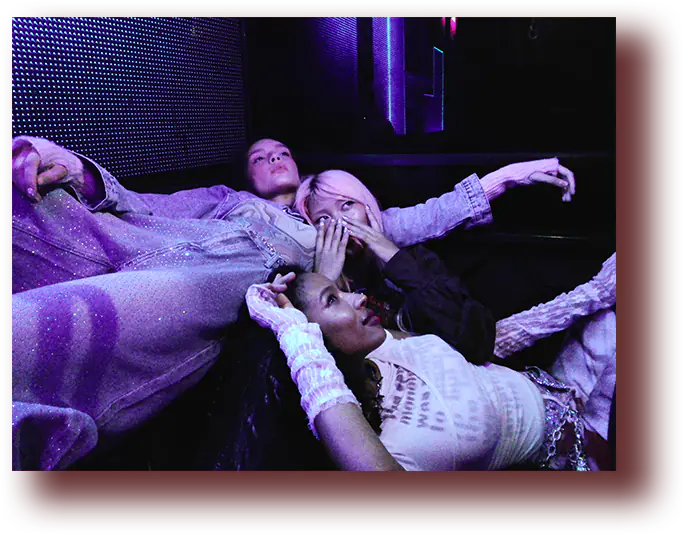
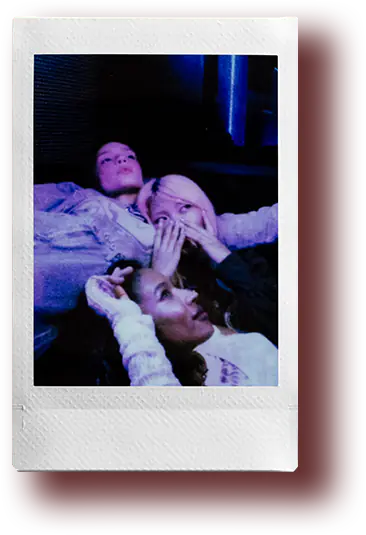
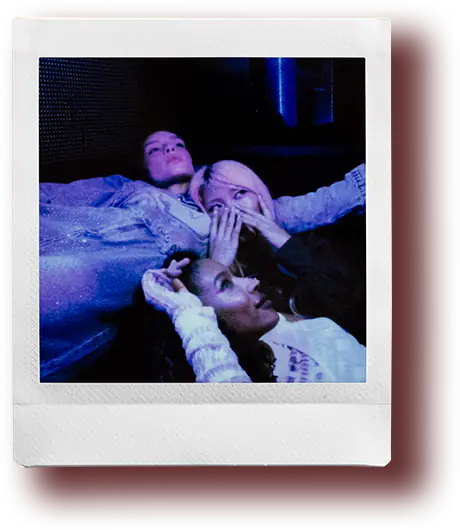
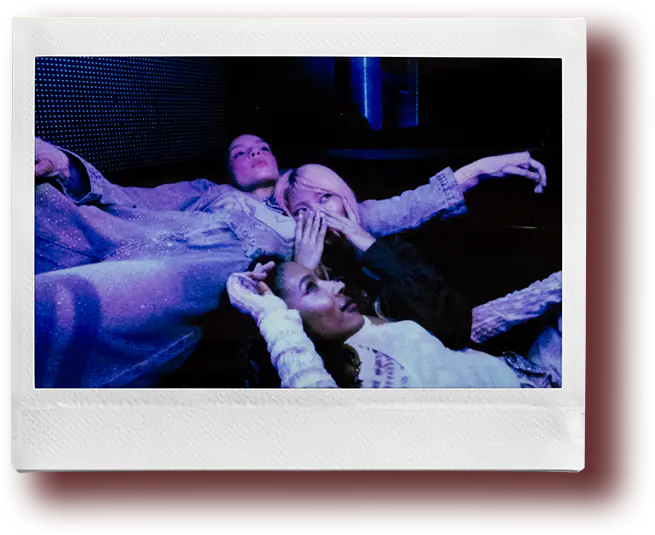
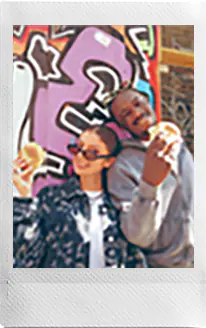
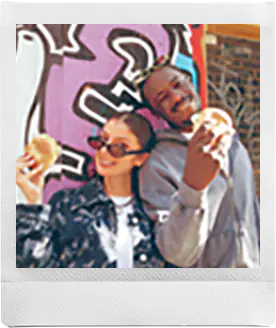
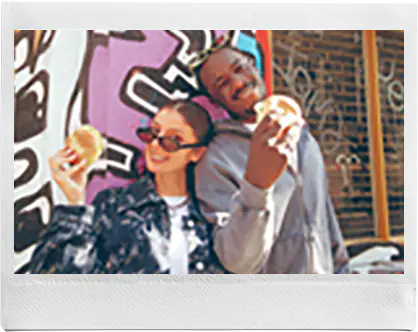
Turn the lever on the camera to select your preferred shooting format from four options. In addition to taking photos without frames, you can take photos with instax™ frames.

No frame
mini
SQUARE
WIDE
Point
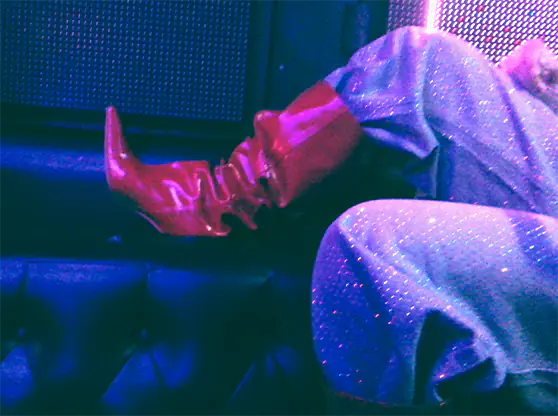
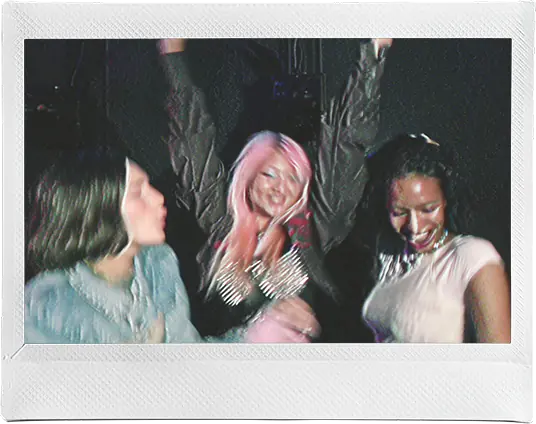
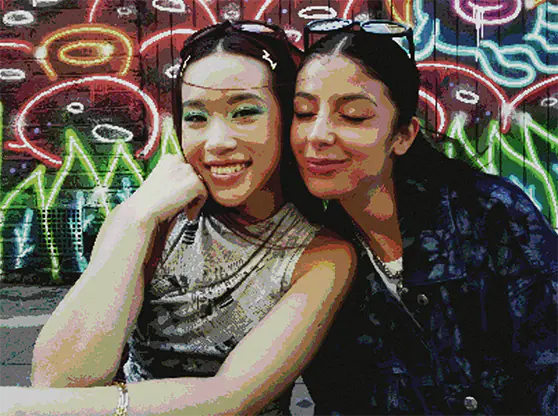
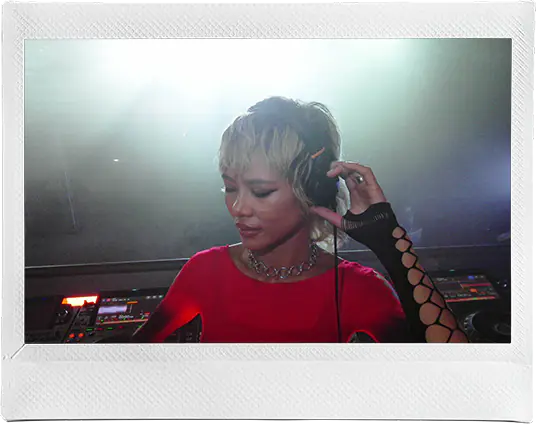
A Wide Variety of Effects

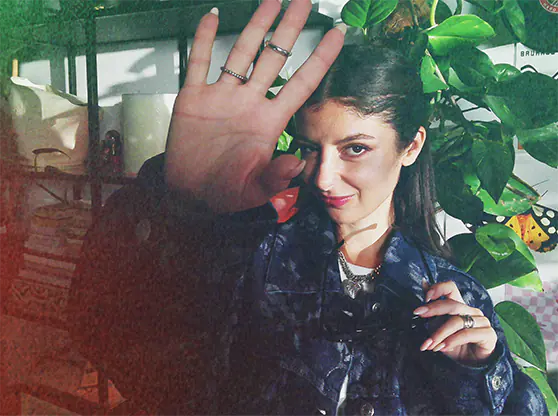
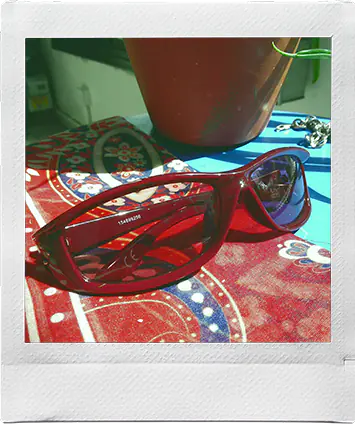
Turn the dial to select an effect.
When paired with the dedicated app, you can choose from a total of 30 effects and load them onto the camera.
Modern
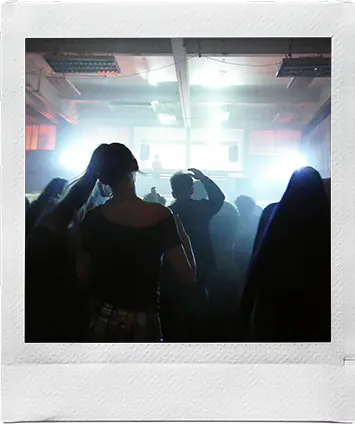
Rich, natural textures with a contemporary softness.






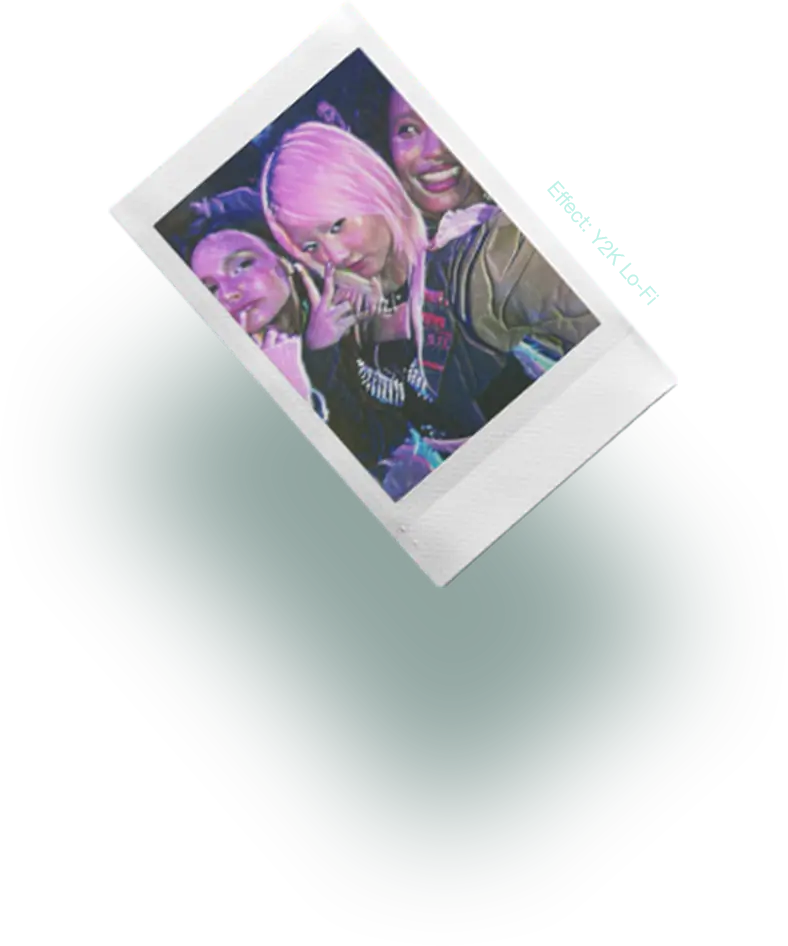
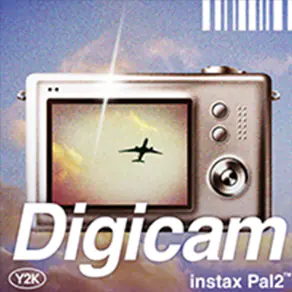
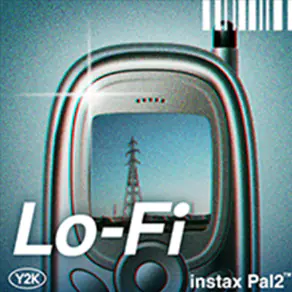
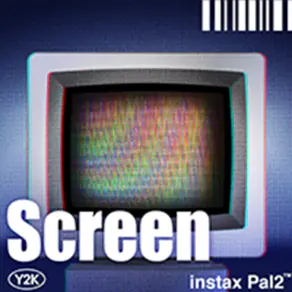
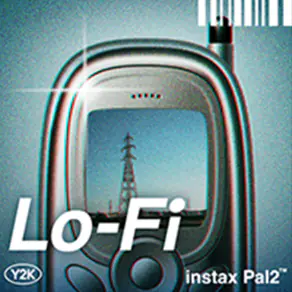
Y2K
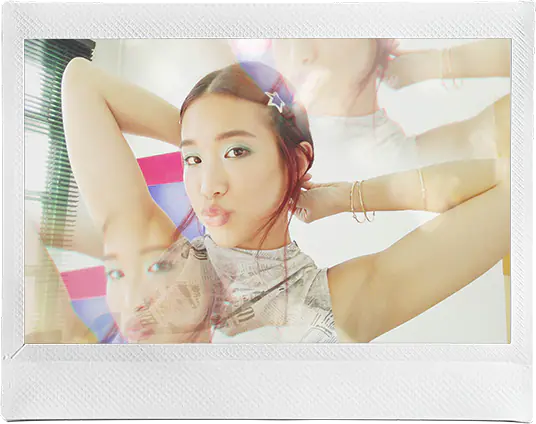
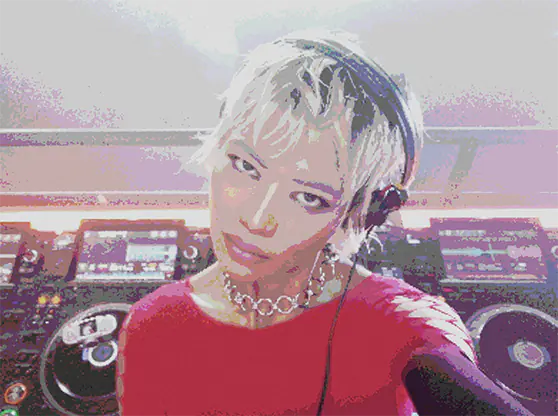
Blends the nostalgic textures of analog with digital freshness.



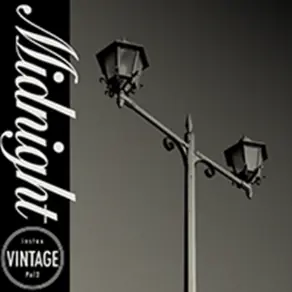
Vintage
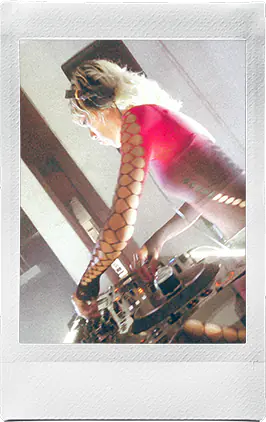
Timelessly weighted with a warm and faded charm.





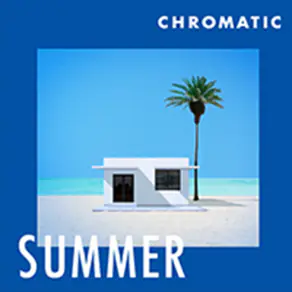
Chromatic
A crisp, confident aesthetic featuring nuanced light and elegant color palettes.


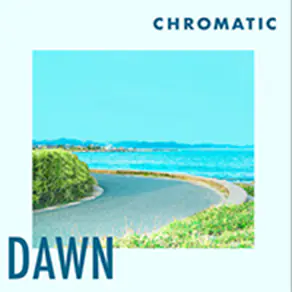
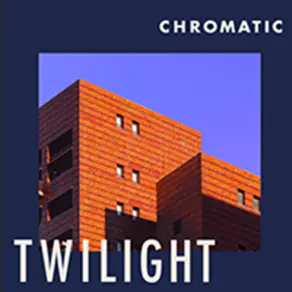
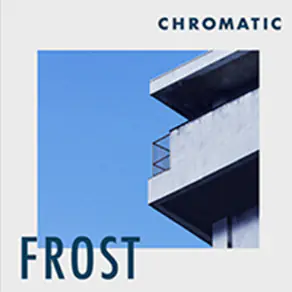
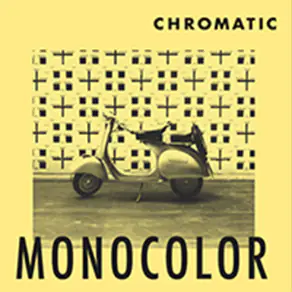
Fantasy
Combines the fantastical with soft textures and stimulating colors.






Custom
Choose up to six effects of your choice.




Point

instax Animation™
Press and hold the shutter button to take up to 10 consecutive shots.
The photos taken in burst mode are saved as instax Animation™, allowing you to enjoy a flipbook-style animation.
Point

Choose the Resolution That Suits Your Mood
Choose between 10 megapixels and 1 megapixel. Depending on your mood or the atmosphere you want to capture, you can enjoy the unique look each resolution gives your photos.
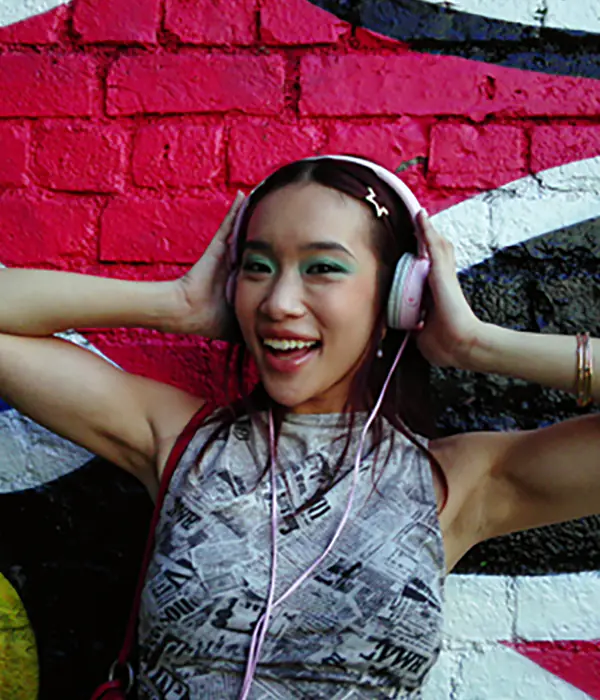
10 megapixels
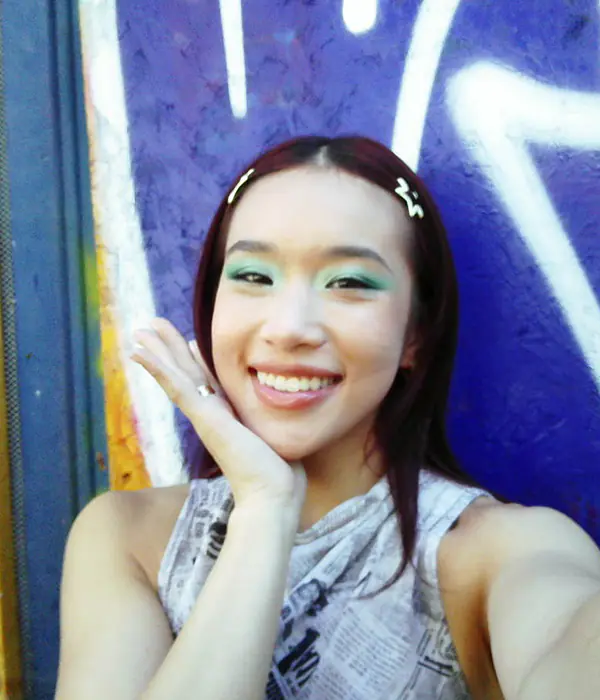
1 megapixel
Point

With the Angle Adjustment Attachment, Remote Shooting Is a Breeze
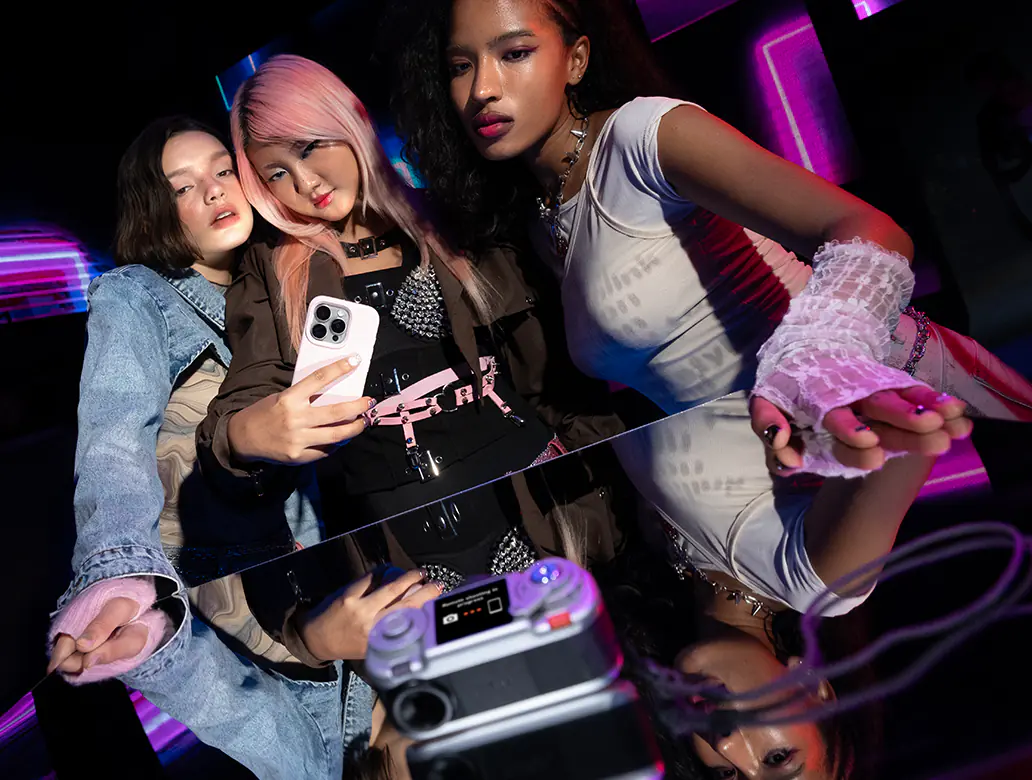
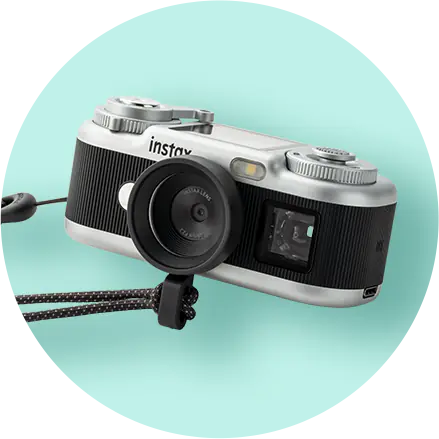
With the Angle Adjustment Attachment, you can make the most of your camera by taking photos from a different angle. You can trigger the shutter remotely using your smartphone.
Share
Point
High-Speed Transfer to Your Smartphone*

Pair the camera with the dedicated app via Bluetooth®, then connect your camera to the smartphone's USB Type-C port for fast photo transfer - about 0.7 seconds per image. Wireless Bluetooth® transfer is also available.
- * USB Type-C transfer speed compared to Bluetooth®.
Point

Edit Right in the App, and Share Too!
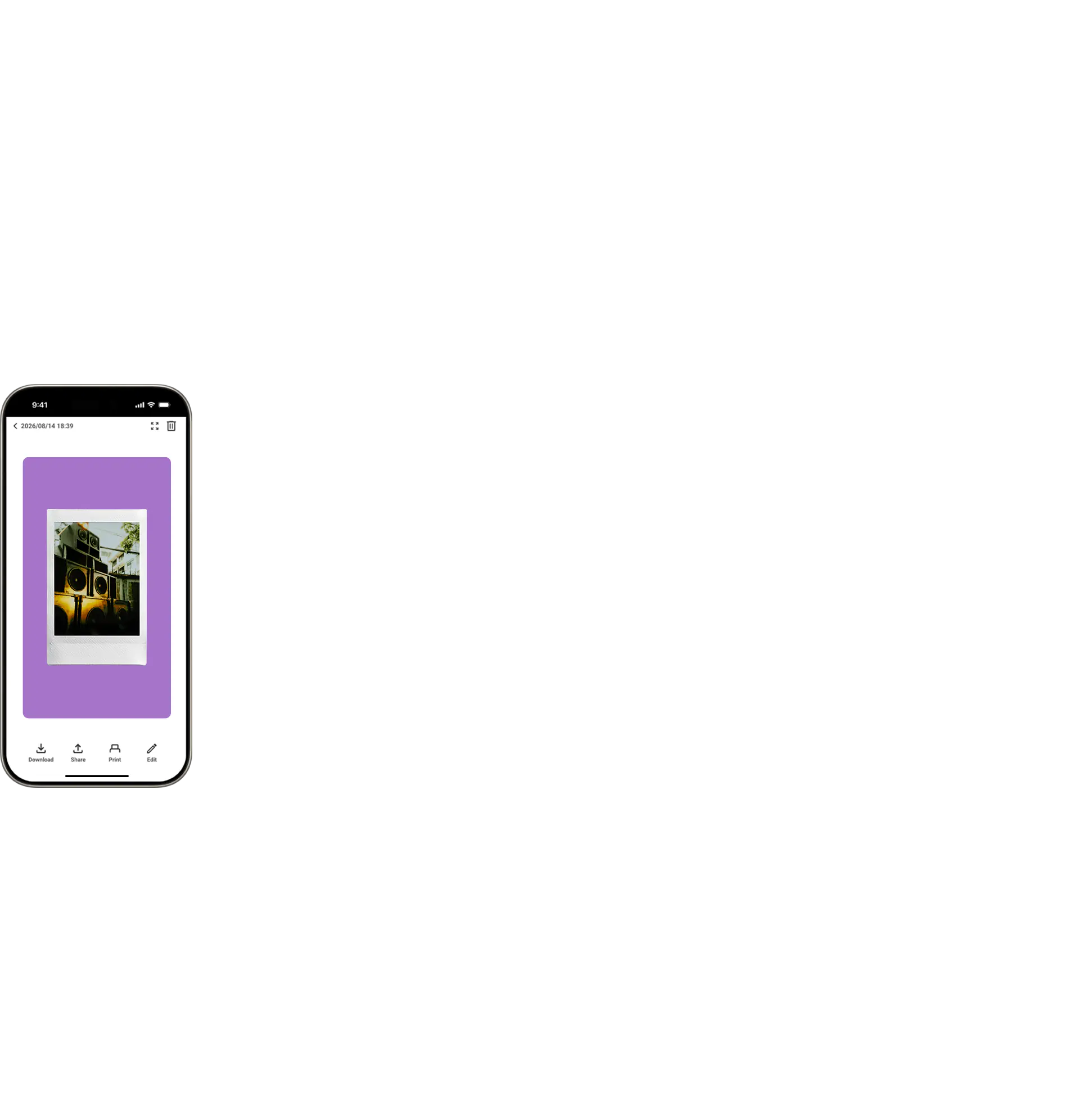
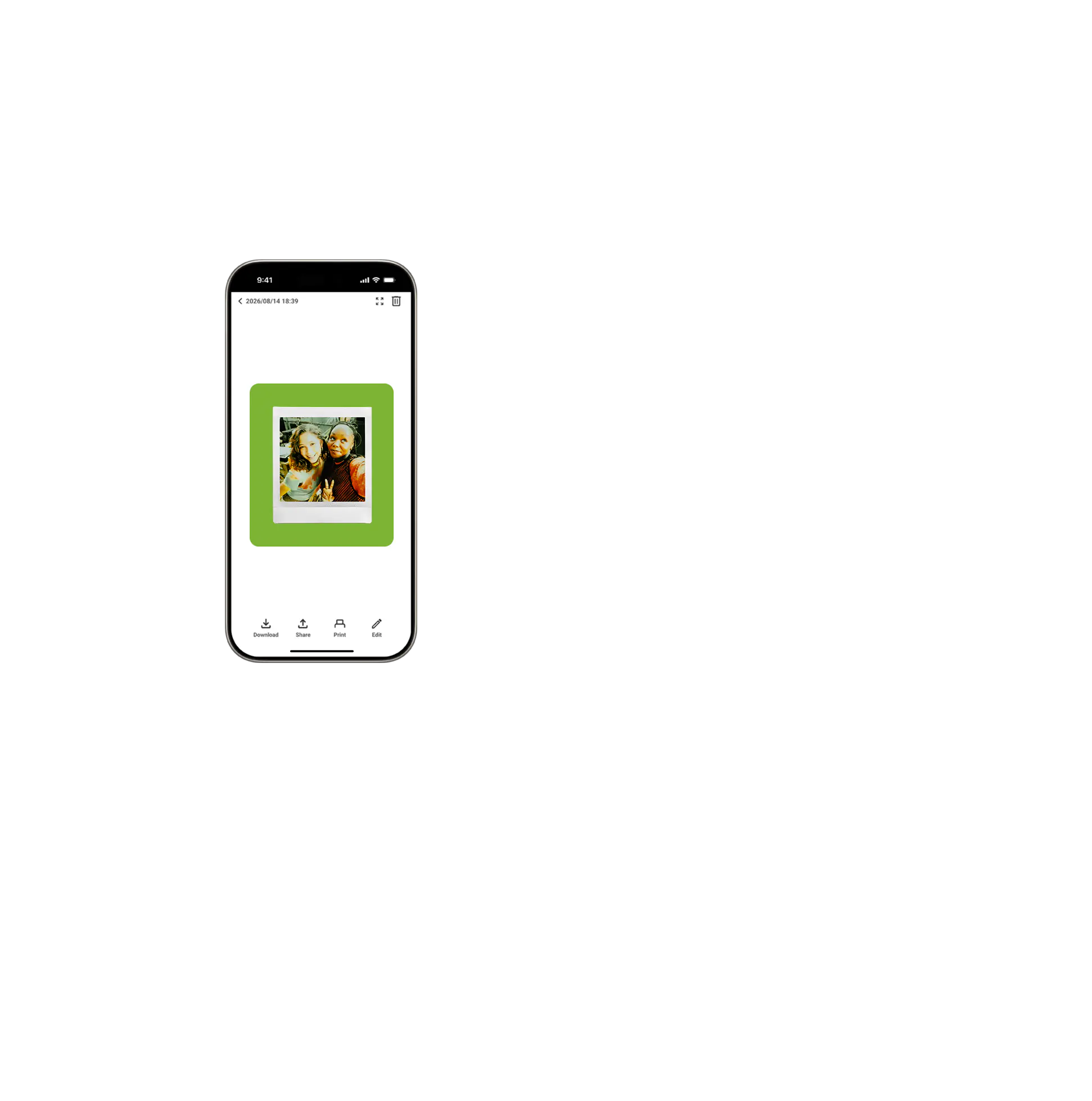
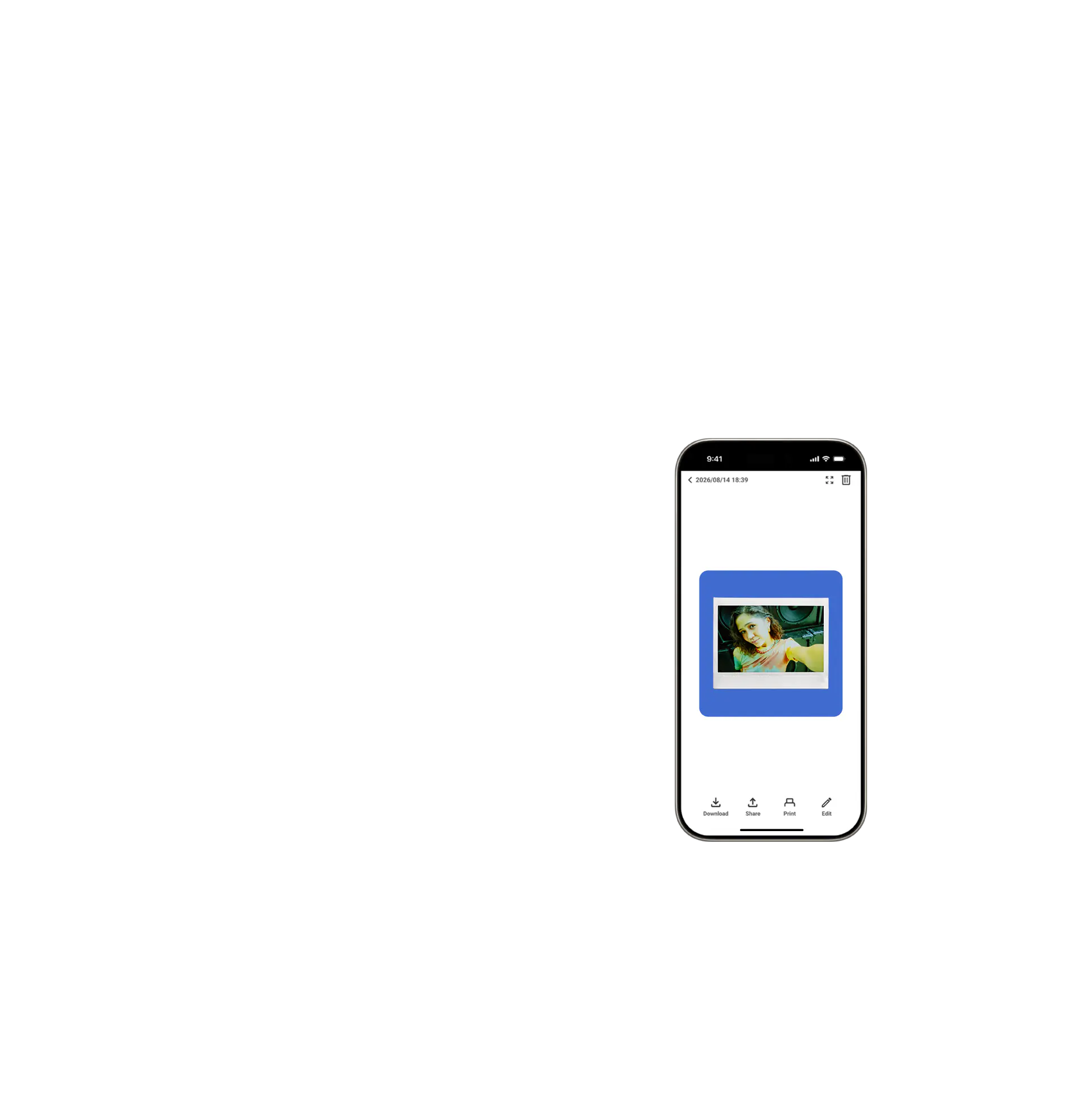
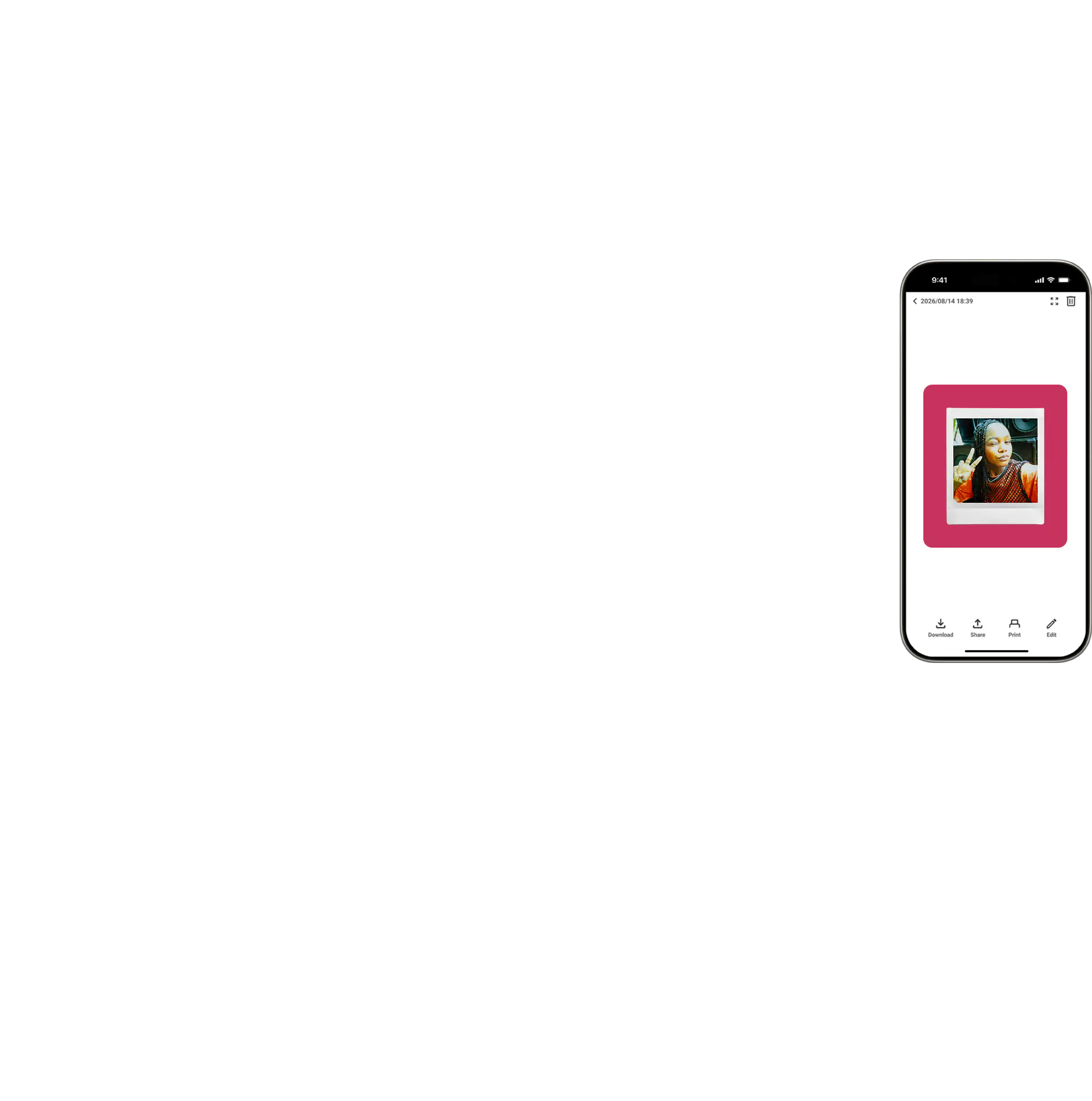
With the dedicated app, you can edit your photos right after transferring them. Plus, you can easily share them with friends or post them on social media.
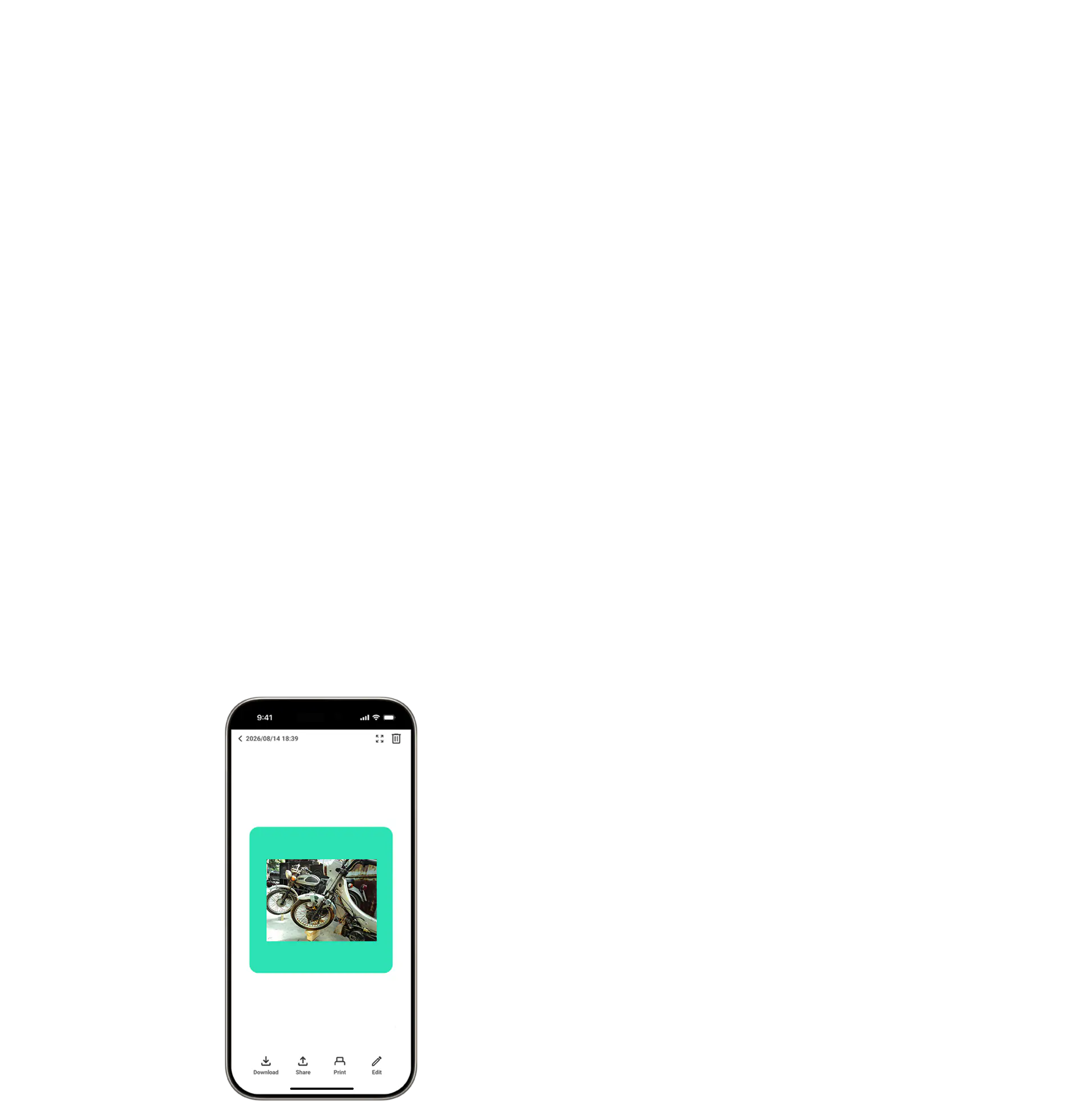
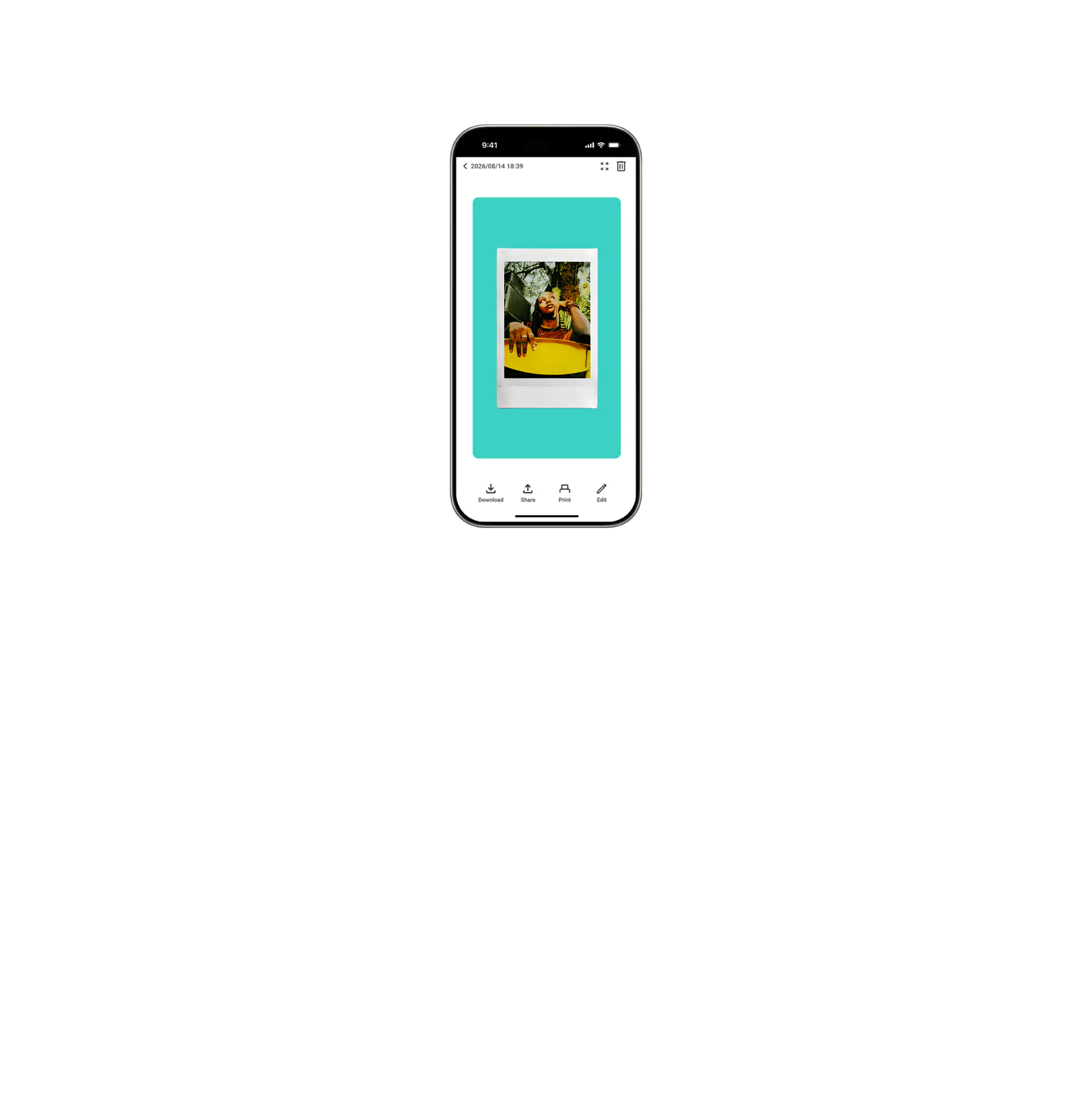
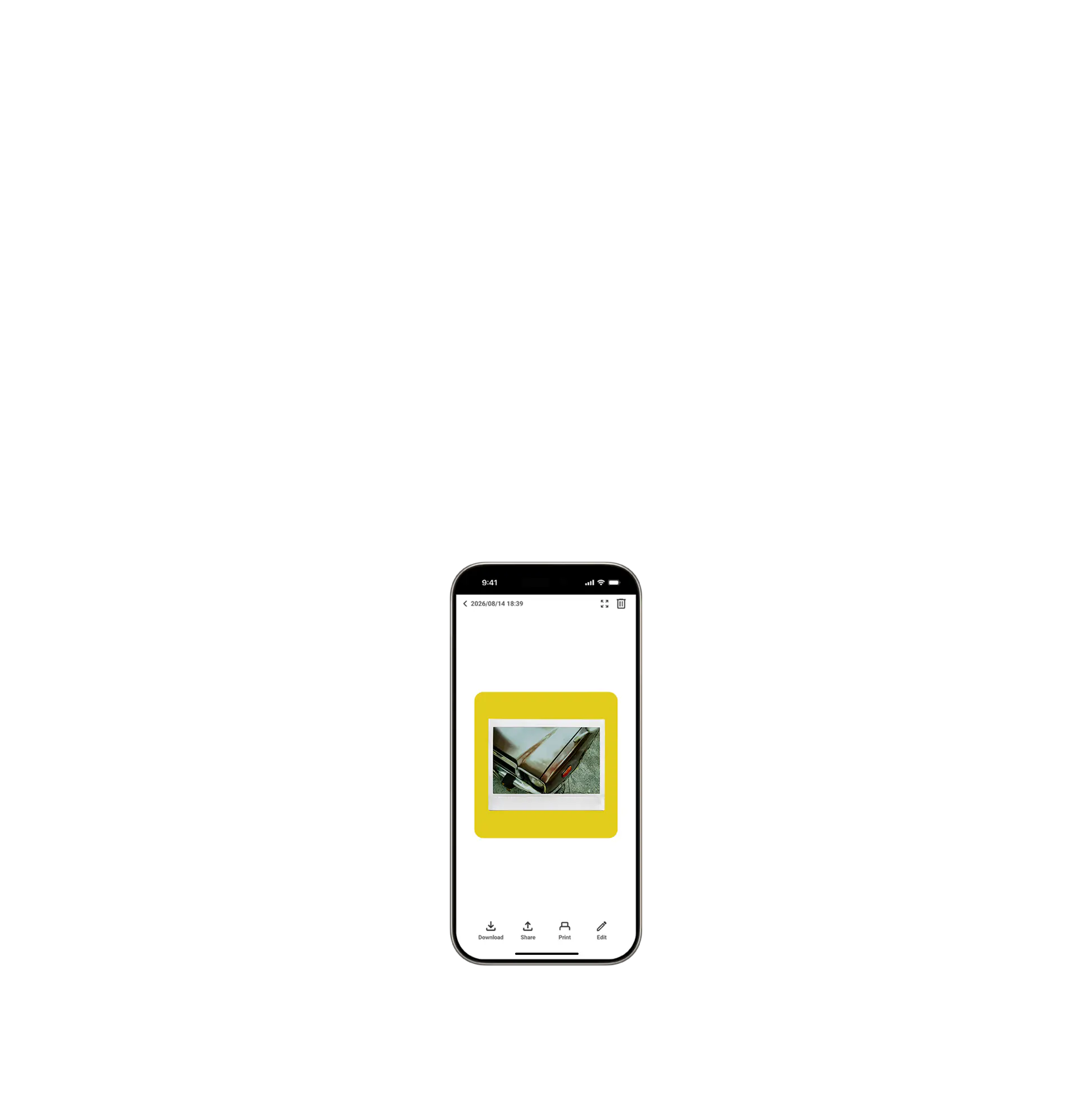
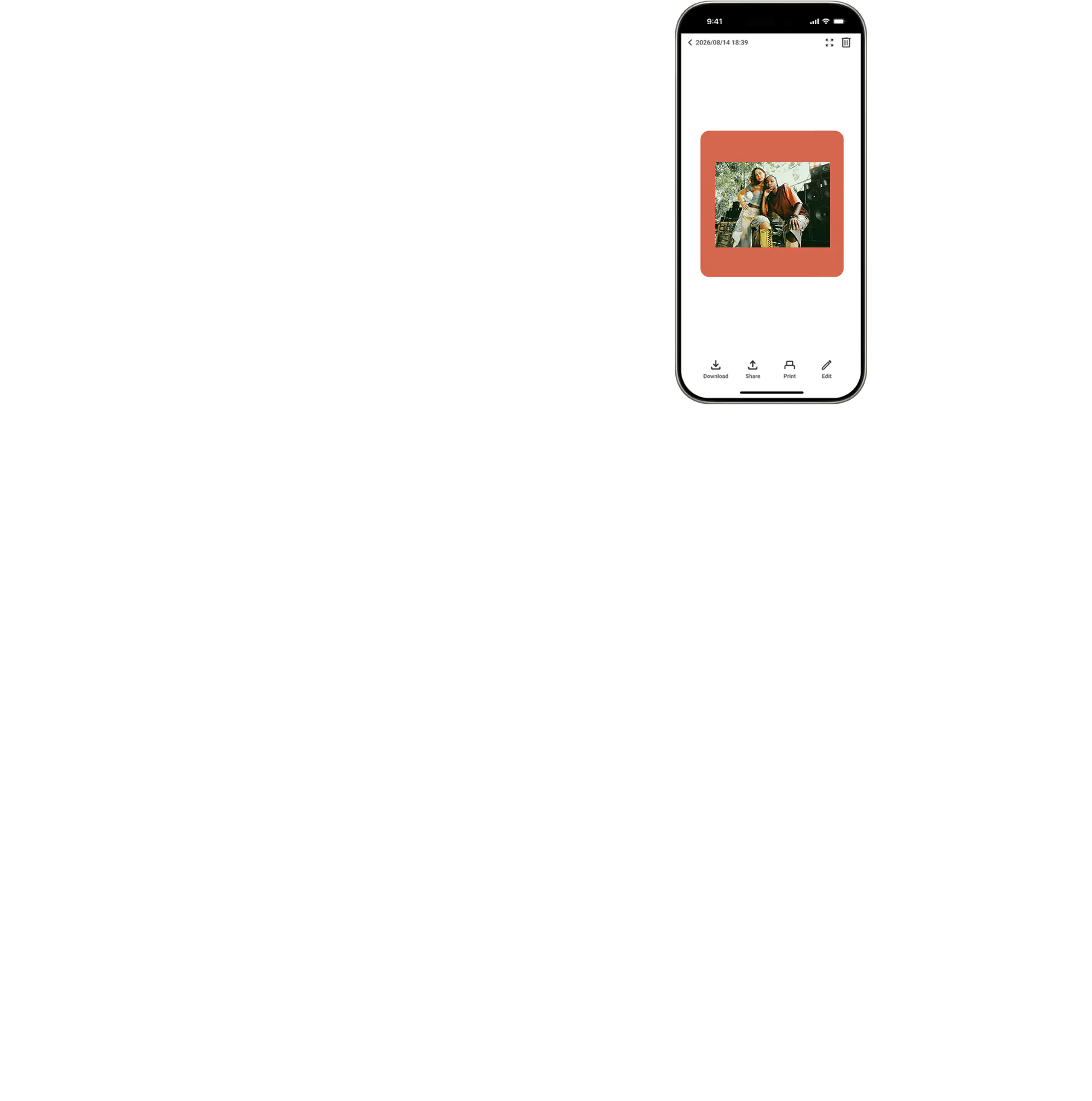
You can even save your favorite shot
as an instax™ photo!

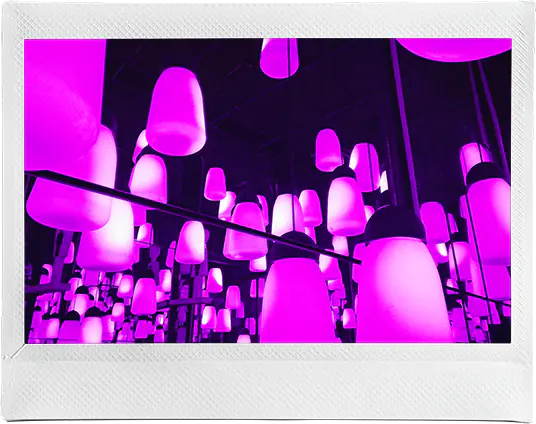
Images taken with the instax Pal 2™ are compatible with all film formats: mini, SQUARE, and WIDE. Not only can you enjoy them as digital images, but you can also print them using the instax™ Link series of smartphone printers or hybrid instant cameras.
- * instax™ film sold separately.
- * The instax Pal2™ (digital camera) does not itself print instax™ photos; an instax™ Link Series smartphone printer or hybrid instant cameras (each sold separately) is required to print.
Compatible Models by Format
To print instax™ photos in mini, SQUARE, or WIDE formats, you'll need a model compatible with each format.



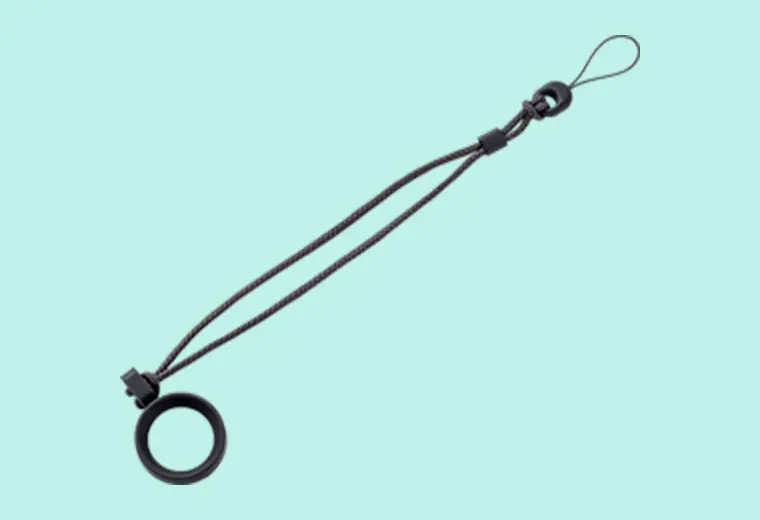
Attachment
Hand strap
instax Pal™ App
*Please check the app download sites (iOS, Android) for availability, as the app may not be compatible depending on your smartphone's operating system.
*If you have already installed the app, please make sure you are running version v2.0.0 or later.
- * The instax Pal2™ (digital camera) does not itself print instax™ photos; an instax™ Link Series smartphone printer or hybrid instant cameras (each sold separately) is required to print.
- * Images of instax™ photos are for illustrative purposes only.
- * Develops in approx. 90secs.
- * The above specifications are subject to change for performance improvement.
- * Image size may affect the finish (sharpness, grain, etc.).
- * Time required for wireless communication may be affected by file size, smartphone model, etc.
- * The photo print finish (color, image quality, etc.) may be affected by smartphone model, shooting conditions, etc.
- * Actual finish may differ from the image displayed on the LCD screen of your smartphone.
- * Smartphone screen images are superimposed.
- * Actual screens may differ from those depicted.
- * The Bluetooth® word mark and logo are registered trademarks of Bluetooth® SIG, Inc. and FUJIFILM Corporation uses these under license.
- * QR code is a registered trademark of DENSO WAVE INCORPORATED.
- * FUJIFILM, instax, instax Pal 2, instax Animation and don’t just take, give. are registered trademarks of FUJIFILM Corporation.
- * Apple and the Apple logo are trademarks of Apple Inc., registered in the U.S. and other countries and regions. App Store is a service mark of Apple Inc.
- * Google Play and the Google Play logo are trademarks of Google LLC.